Display
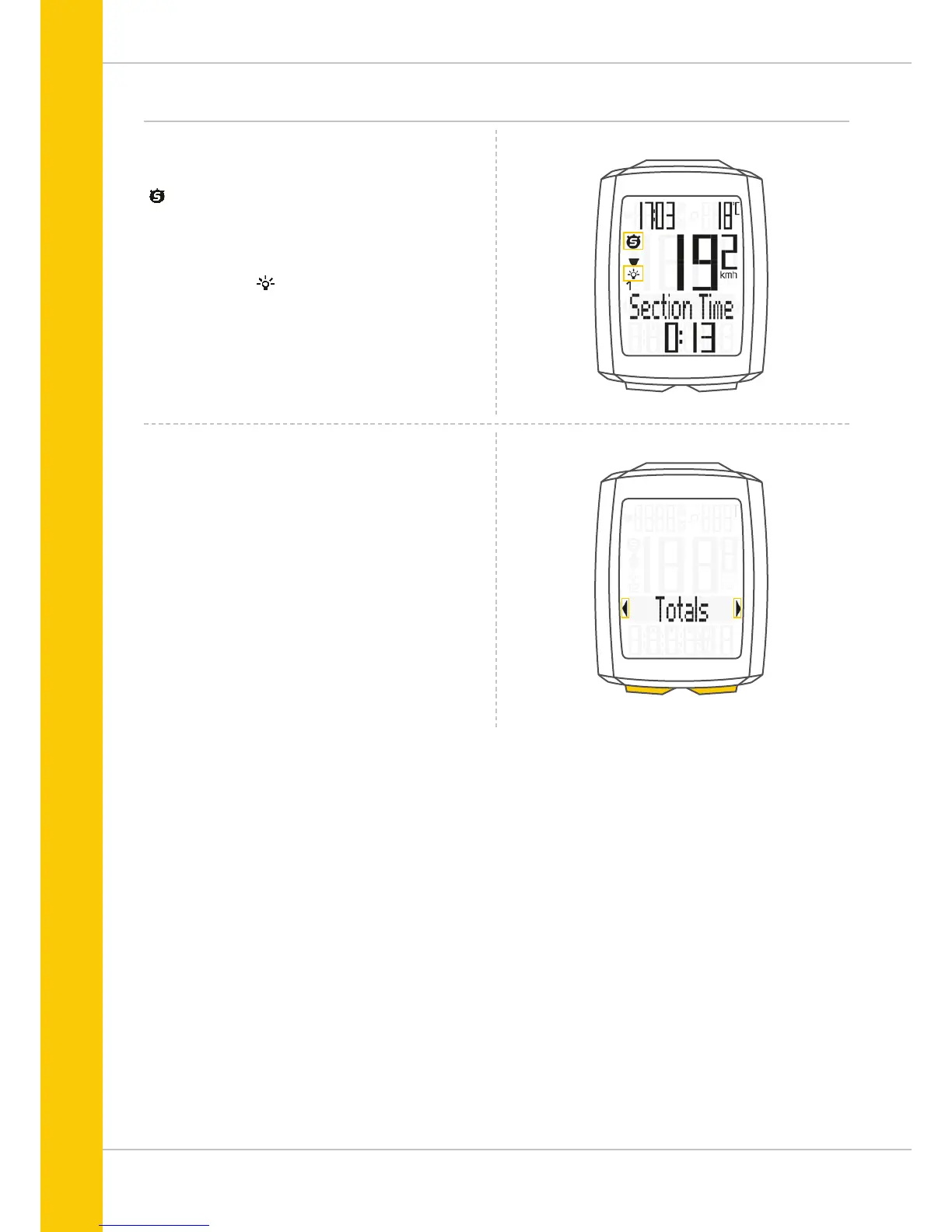
The following icons are shown on the left of the display next
to the speed:
“ ”: the icon is ON
if the trip section counter has been started.
A more detailed description of the trip section counter can be
found on page 41.
Light mode ON/OFF
This icon indicates whether the display backlight mode is
switched on or off.
Left/right arrows next to the description of the selected
indicator function (area 3 of the display).
In setting mode, these arrows indicate that you can scroll by
pressing the BIKE or the TOTAL/PULSE/CAD (TPC) button or
increase/reduce the value with both buttons.



 To Next Page