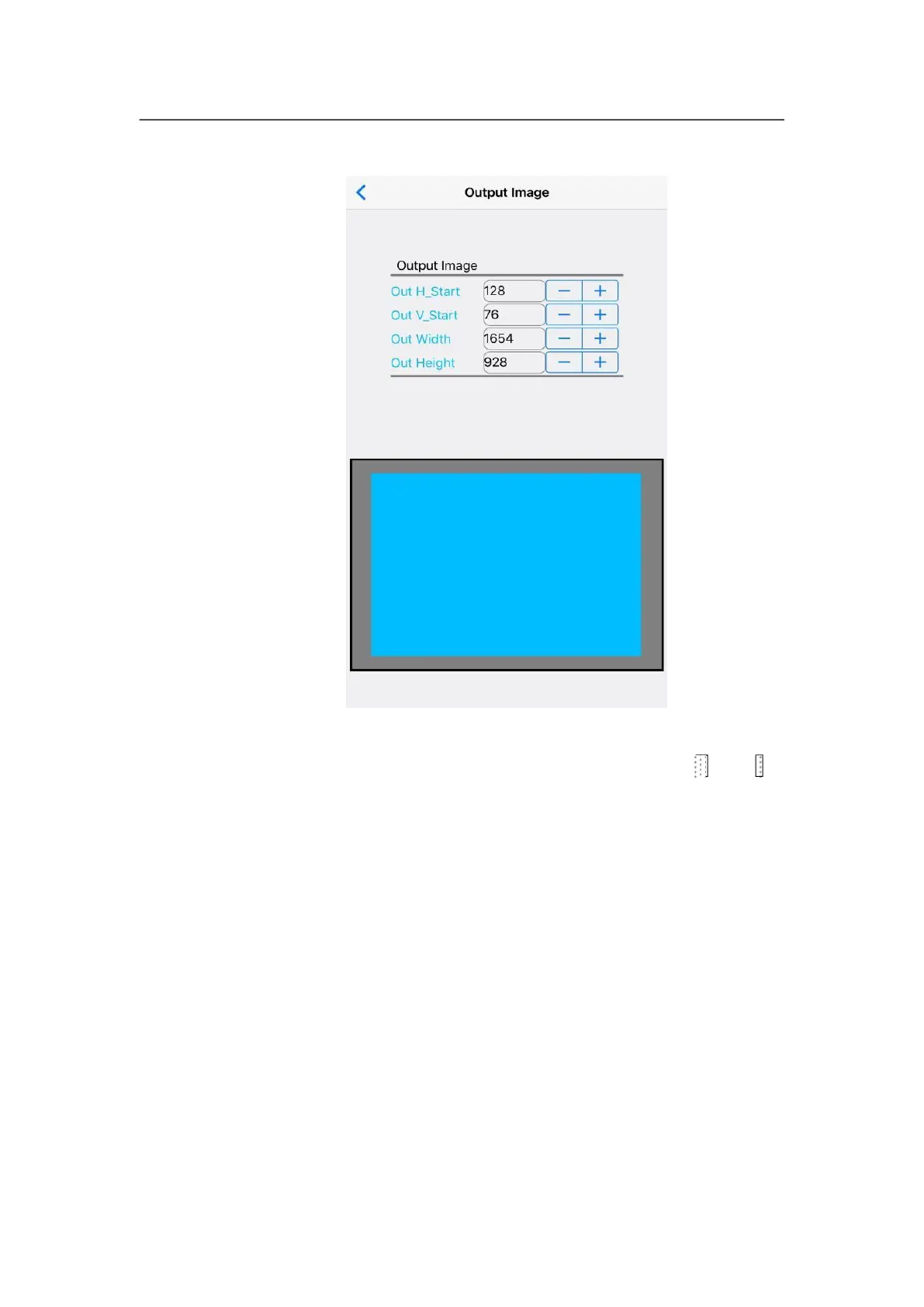
The interface is used to set the location and size of output image,
user could enter parameter manually, then through and - to
adjust parameters, in diagram area of output parameters, through
multiple-point touching to zoom in or zoom out image size,
single-point touching to drag and adjust image location.
(3)
Input video signal
User can open input video hot spare and configure V2/YPbPr
port.



 To Next Page