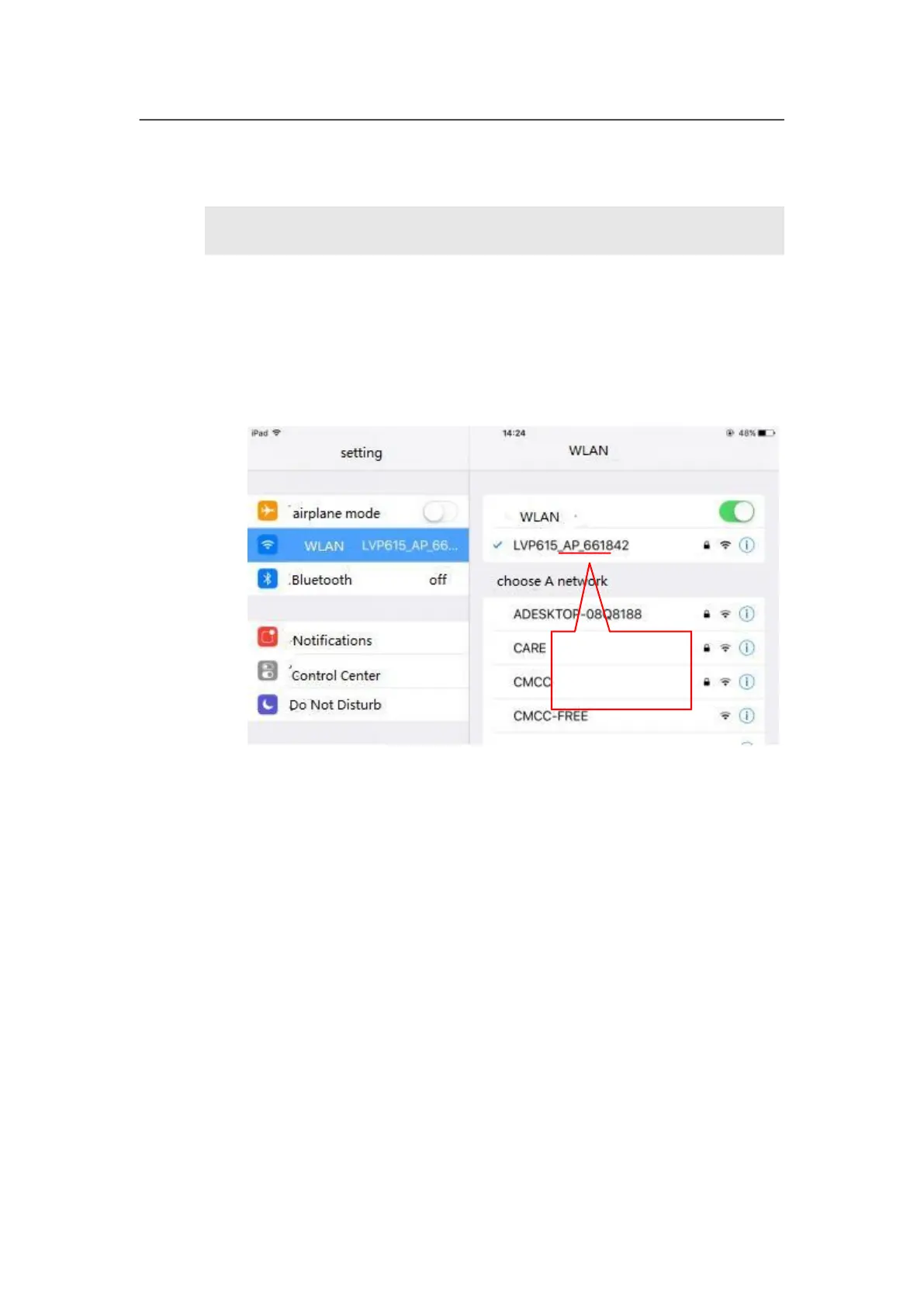
The last 6 positions
of the mane is MAC
address
Firstly, through local area network (LAN interface) or WIFI connect LVP615S
and mobile device installed APP. In here we illustrate by using router function
of LVP615S’S wifi module. Open wireless LAN switch of IOS device, in the
network searched out, connect the WIFI hot point named LVP615S, the default
password is 88888888.
Then open LVP615S control APP to enter guide interface, show as the picture
below.



 To Next Page