image” item.Then press
image” item.
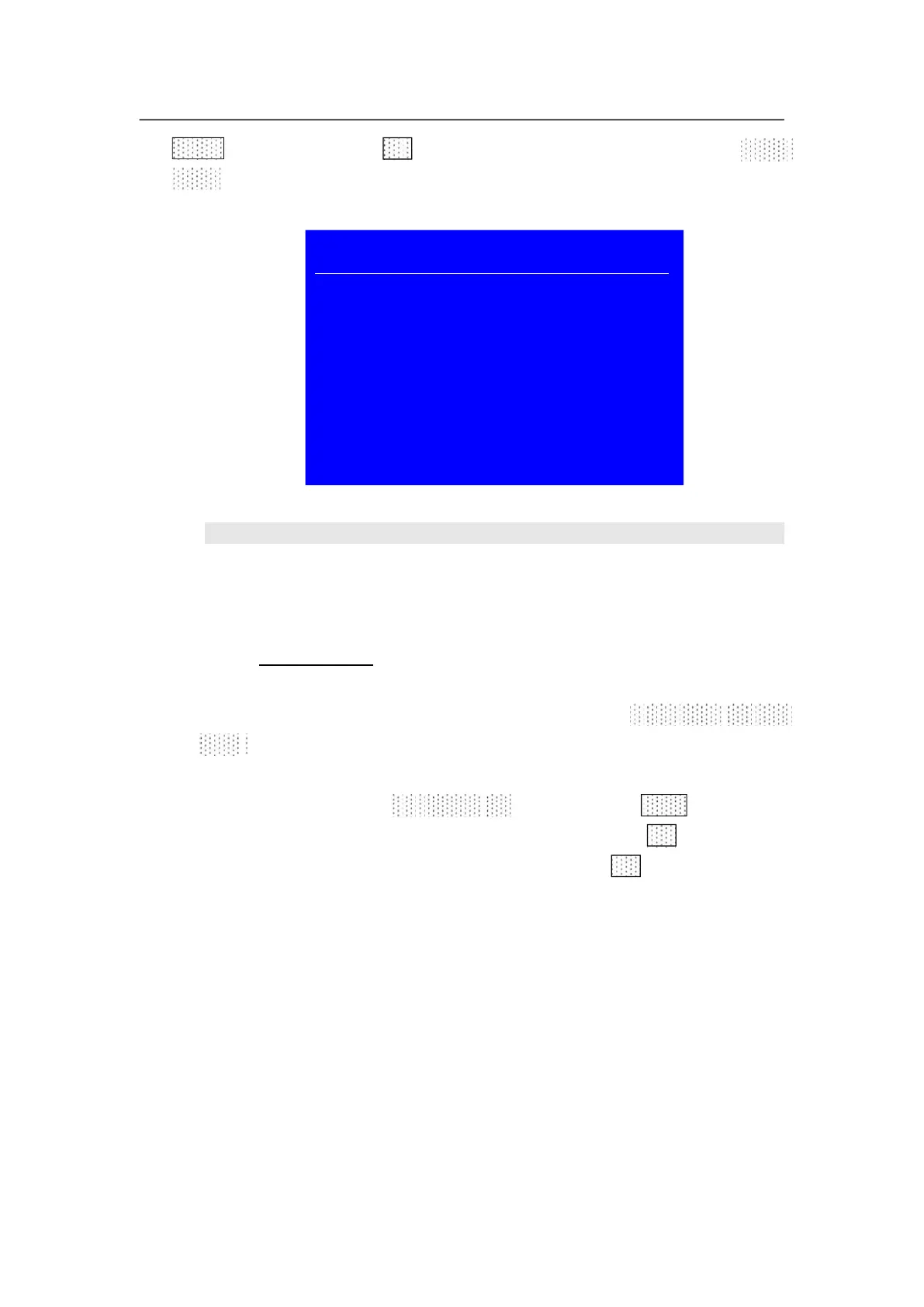
button to enter the following image“1.Out
1.Out Image
1.1 Resolution
1.2 Out Width
1.3 Out Height
1.4 Out H_Start
1.5 Out V_Start
1.6 Test Pattern
1920x1080_60
1920
1080
0
0
off
6.1.1 Set output format
LVP615S can output image from the VGA OUT and 2 DVI OUT.
There are 16 fixed output format and custom output format.( refer to
page 9specifications). Users can select fixed output format not less
that the LED screen resolution or select custom output format which
can realize pixel to pixel display in concert with
Operation steps
:
Press ↓to select “1.1 Resolution” item. Rotate
suitable output format
,
like“1280×1024_60”
,
Press
screen will display confirmation menu. Press
to select
button, the
button again to
confirm the output format. The device will restart automatically.



 To Next Page