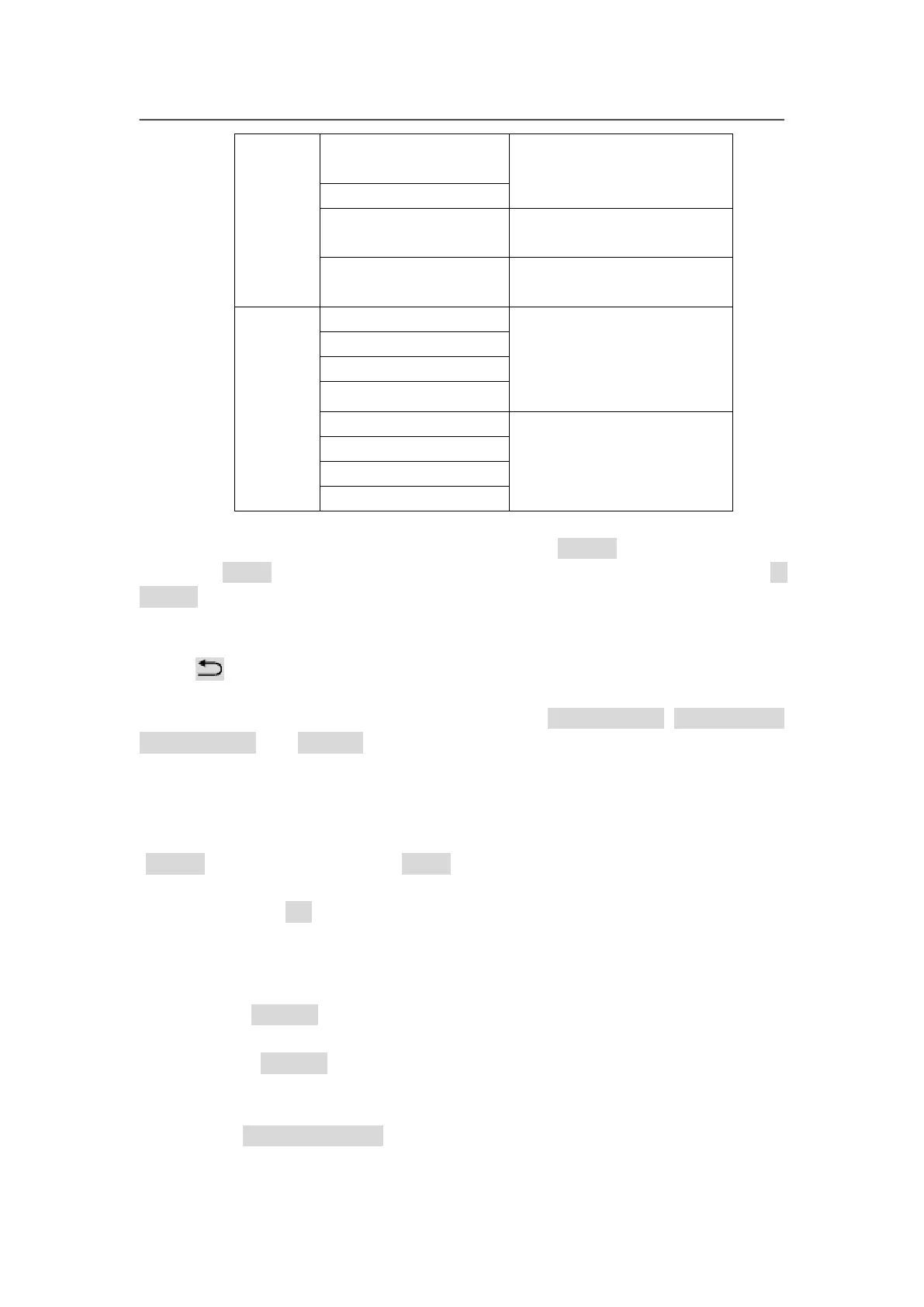
compared with the whole
spicing screen driven by
this unit of LVP615S
ON or OFF of the sync
splicing
Application of automatic
splicing parameters
The size and location of
DVI input image the
current unit crops
Output parameters of
LVP615S, it is as same
as the menu 1. Output
image
Enter adjustment setup: under splicing mode (Mosaic indicator lit up), by
pressing “Setup” button, LVP615S enters splicing adjustment setup menu “E.
Mosaic”
Return to upper level setup menu: under the mode of adjustment setup,
press “ ” button, LVP615S exits adjustment setup.
Note: when use multiple LVP615S cascading splicing, to make sure the output
image have uniformity, every unit’s parameters of 4.3 brightness, 4.1 inpu color,
4.2 sharpness and 8.2 bias must be same.
Operation is as below:
When the input signal of LVP615S is DVI format and the splicing mode is open
(Mosaic indicator lit up), press Setup, LVP615S enters splicing menu. Press
↓button to select setup option needed to adjust, rotate knob to change
parameter, press OK button to save.
Operation is as below :
In the menus E.1~E.2, input parameters of whole splicing screen;
In the menus E.3~E.4,input the size and location (relative to whole splicing
screen) of LED screen the LVP615S drives;
In the menu E.7 sync. Mosaic menu, select to turn the function on or off;



 To Next Page