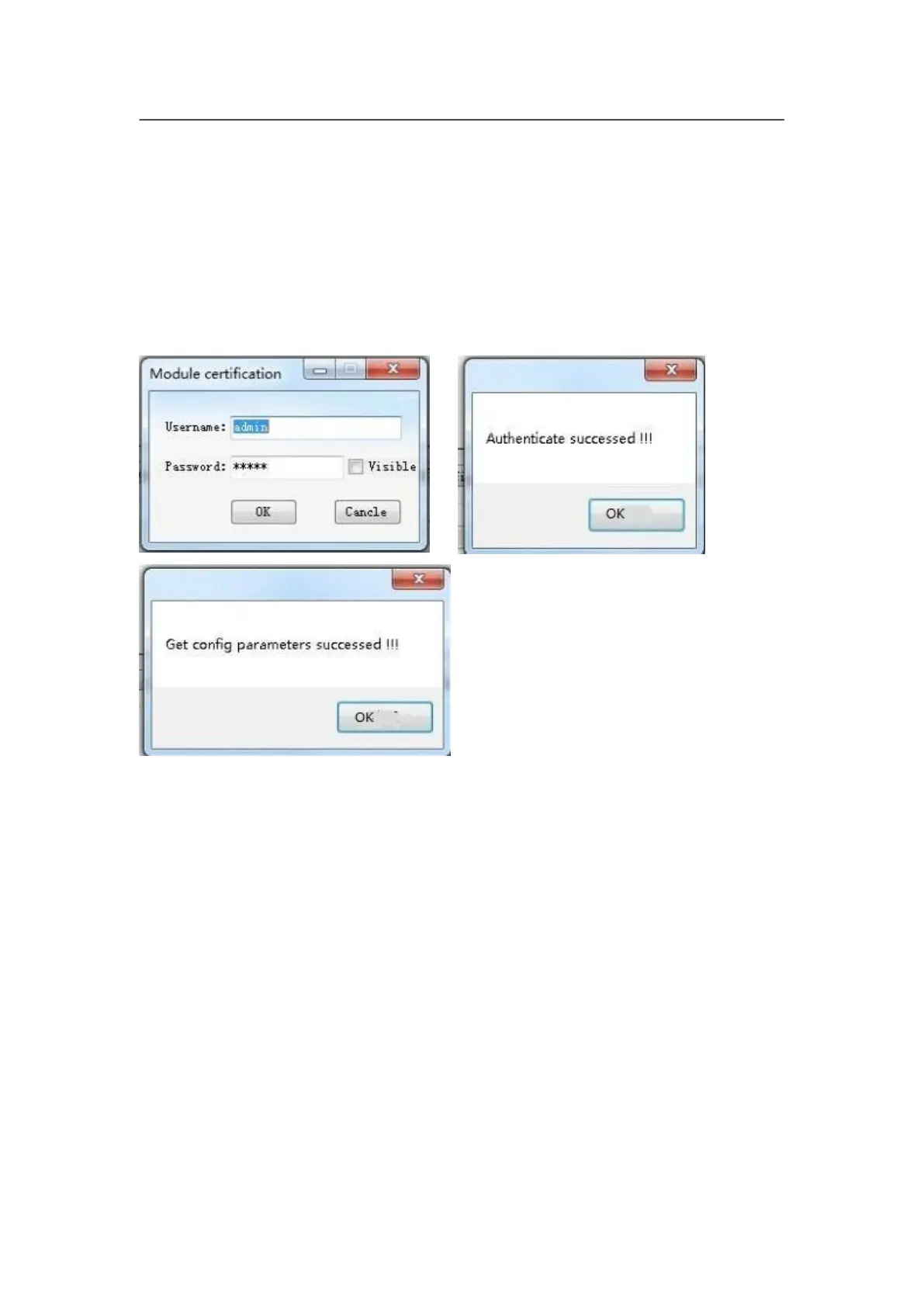
(3) In scan list click relative WIFI module, when appear dialog box, type in user
name (default name is admin) and password (default password is admin),
software will remind “module identify successfully” and “obtain configuration
parameter successfully”, meanwhile software interface will display relative
information.
( 4 ) Now you can configure module. Configuration options include Mode
Setting, AP Setting, STA Setting, Serial Port Parameter Setting , Socket Setting
and Advanced setup. See the configuration method step by step below:
Notice: after configuring every step, you need to click save button to save
configuration parameter. All modified parameters will be valid after module
restarting.
a. Mode Setting
This step mainly sets the Mode and Consumption Level of module.



 To Next Page