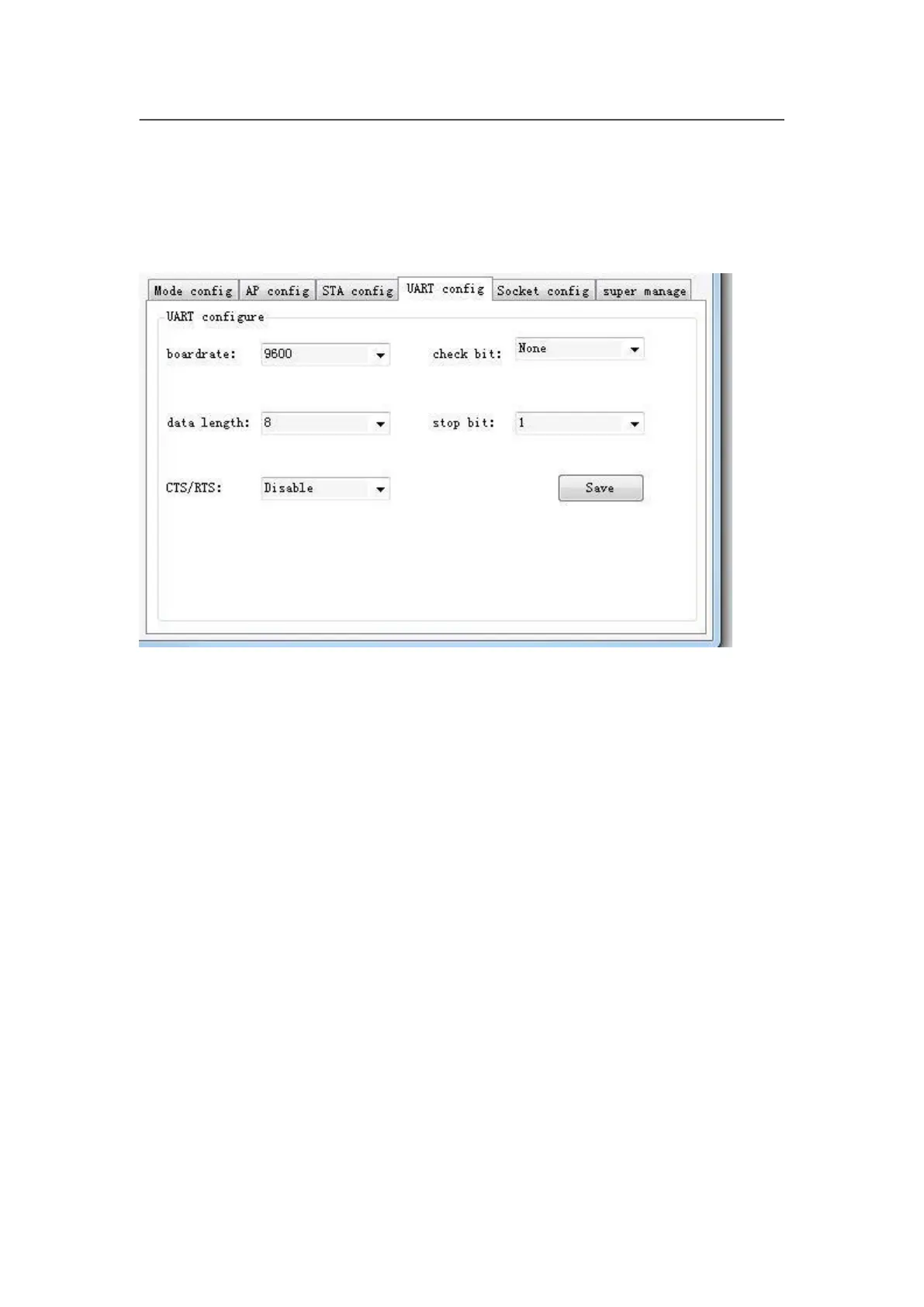
c. Serial Port Parameter Setting
This step is for setting basic parameters of serial port, after
modifying configuration, click “save” button to save change. As the picture
below shows, the boardrate should be 9600.
d. Socket Setting
This step is for Setting basic parameter of Socket. Single or
Double Socket are supported, After setting configuration, click “Save” button to
save. Please notice that the local port number of Socket A should be same
when configuring the PC software.



 To Next Page