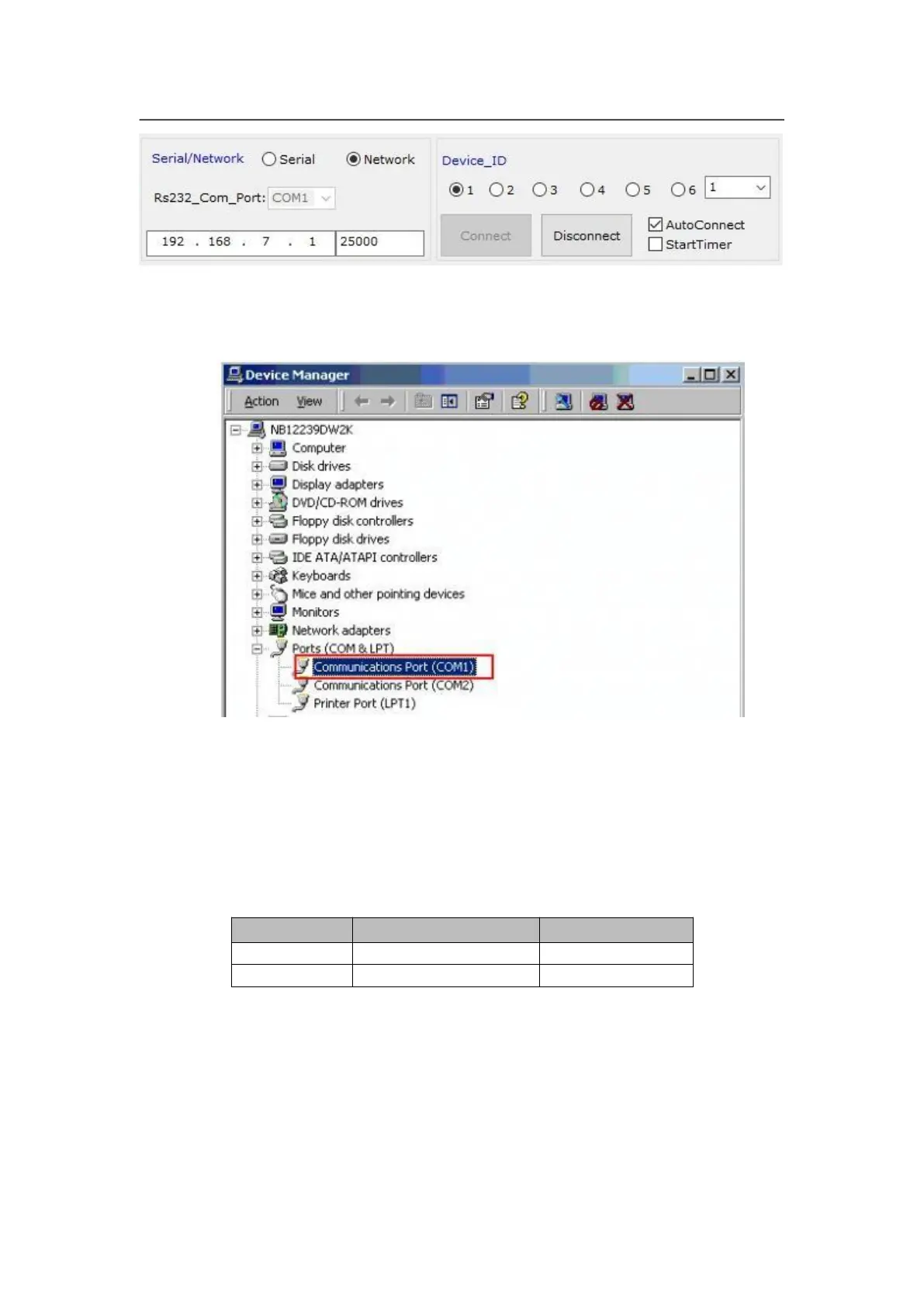
In communication setup, first select connection method being Serial or network.
If select serial, need to select correct COM port. COM port number can be
checked in PC’s “device manager”, show as the picture below:
The device ID number you select must be as same as the LVP615S’s which
you need to controlled.
If select network connection, firstly must set the network connected being
correct, the relative setup about wired network prefer 6. Communication (user
manual page 46), wireless network setup refer user manual page 53. In IP
address and port number option type in correct setup, the default setup of
wired network and wifi AP mode refer the table as below.
Click “connect” button, the software shows



 To Next Page