60
6Setupwiththedisplayandadjustmentmodule
MINITRAC 31 • Foundation Fieldbus
41782-EN-211203
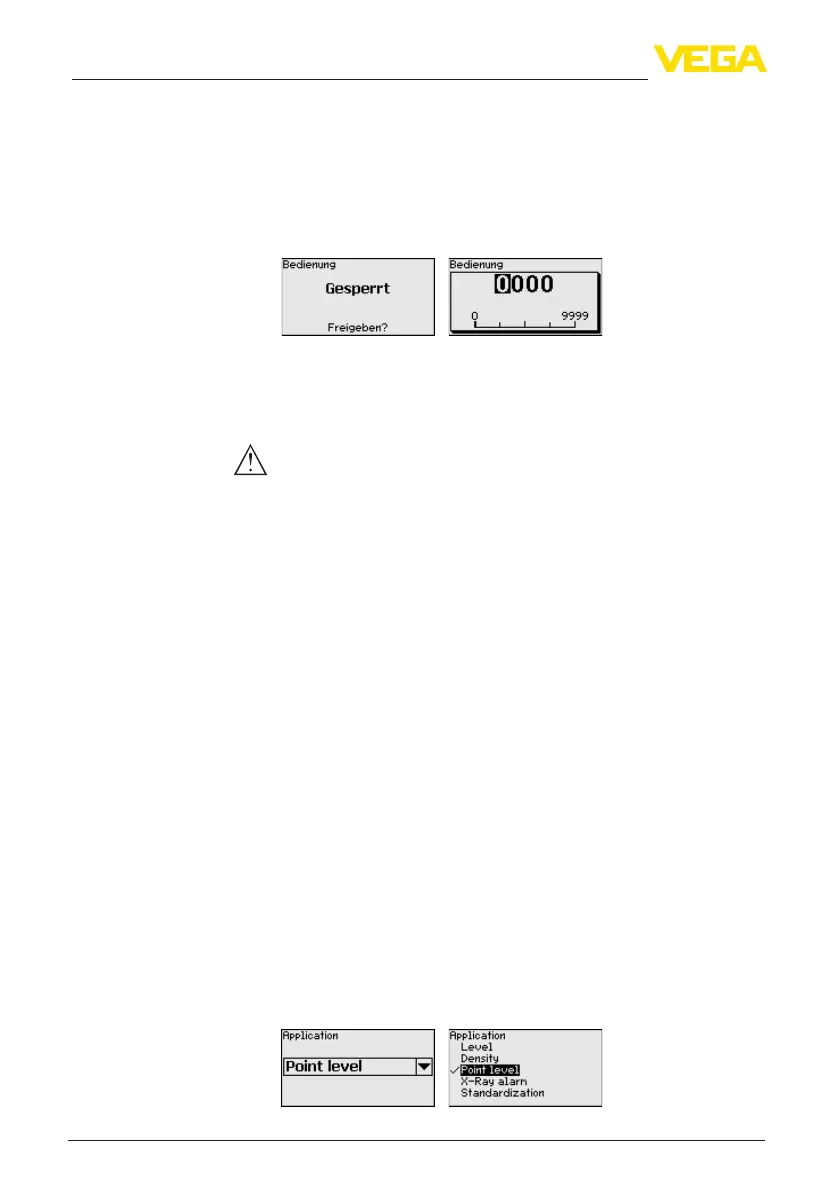
In the menu item " Lock/unlock adjustment", you can protect the sen-
sorparametersagainstunauthorizedorinadvertentmodication.The
sensorislocked/unlockedpermanently.
Withlockedinstrument,onlythefollowingadjustmentfunctionsare
possiblewithoutenteringaPIN:
•
Selectmenuitemsandshowdata
•
Read data from the sensor into the display and adjustment module
Before you lock the sensor in unlocked condition, you can modify the
four-digit PIN number.
Keep the entered PIN number in mind. Operation of the sensor is only
possiblewiththisPINnumber.
Caution:
WhenthePINisactive,adjustmentviaPACTware/DTMaswellas
other systems is also blocked.
In delivery status, the PIN is 0000.
Callourservicedepartmentifyouhavemodiedandforgottenthe
PIN.
6.7 Parameter adjustment - Real value correction
To correct a level measurement, a real value correction can be carried
outwhenacertainlevelisreached.Thisisforexamplenecessaryin
caseofrecurringbuilduponthevesselwall.
The level measurement can thus be reset to the correct real value.
The level measuring instrument acts as Primary and the MINITRAC
31 operates as Secondary.
Firstofall,denethefunctionoftheSecondaryinstrumentsbefore
youdenethePrimaryinstrument.ThePrimaryinstrumentcanthus
immediatelyrecognizetheconnectedSecondaries.
Forthispurpose,theSecondaryinstrumentmustbedenedas"Real
value correction". Select under the menu item " Setup - Application"
the function "Real value correction".
Theaddresssetting(MGC)ontheSecondaryinstrumentscanbe
freely selected. Only the address "0 - 0" is reserved for the Primary
instrument.
The Primary instrument must have the function "Level". For this pur-
pose, select under the menu item " Setup - Application" the function
"Level".
Settheaddresssetting(MGC)onthePrimaryinstrumentto"0-0".
Lock/Unlock adjustment
Real value correction



 To Next Page
 Loading...







