65
9 Diagnosis, asset management and service
VEGAPULS 67 • Probus PA
36533-EN-170405
Code
Text message
Reason Rectication DevSpec
Diagnosis Bits
F264
Installation/Setup
error
•
Adjustment not within the vessel
height/measuring range
•
Max. measuring range of the
instrument not sucient
•
Check or correct installation
and/or parameter settings
•
Use an instrument with bigger
measuring range
Bit 10
F265
Measurement func-
tion disturbed
•
Sensor no longer carries out a
measurement
•
Operating voltage too low
•
Check operating voltage
•
Carry out a reset
•
Disconnect operating voltage
briey
Bit 11
The following table shows the error codes and text messages in the
status message "Function check" and provides information on causes
as well as corrective measures.
Code
Text message
Reason Rectication DevSpec
Diagnosis Bits
C700
Simulation active
•
A simulation is active
•
Finish simulation
•
Wait for the automatic end after
60 mins.
Bit 19
The following table shows the error codes and text messages in the
status message "Out of specication" and provides information on
causes as well as corrective measures.
Code
Text message
Reason Rectication DevSpec
Diagnosis Bits
S600
Impermissible elec-
tronics temperature
•
Temperature of the electronics
in the non-specied range
•
Check ambient temperature
•
Insulate electronics
•
Use instrument with higher
temperature range
Bit 18
S601
Overlling
•
Danger of vessel overlling
•
Make sure that there is no
further lling
•
Check level in the vessel
Bit 20
The following table shows the error codes and text messages in the
status message "Maintenance" and provides information on causes
as well as corrective measures.
Code
Text message
Reason Rectication DevSpec
Diagnosis Bits
M500
Error during the re-
set "delivery status"
•
The data could not be restored
during the reset to delivery
status
•
Repeat reset
•
Load XML le with sensor data
into the sensor
Bit 13
M501
Error in the non-
active linearisation
table
•
Hardware error EEPROM
•
Exchanging the electronics
•
Send instrument for repair
Bit 14
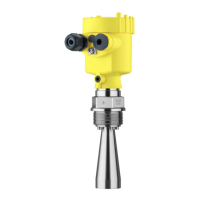
Function check
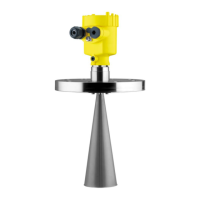
Outofspecication
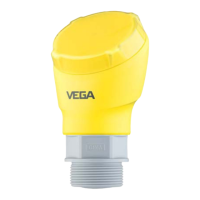
Maintenance







 To Next Page