3578 • CB500 VENDOR | 7
4. A loading chart has been
provided on the inner door to
make it easier to keep track of
what types of products have
been loaded into the CB500-SA.
Use a dry erase marker to avoid
making a permanent mark.
5. If refilling with the same product
size into the same column, then
load products into the columns.
Skip steps 7 through 11.
6. If loading for the first time or
changing a column to a different
product size or to reset product
cradle (motor) to correct
position, then load one row of
products in each column and
test vend each column using
real money.
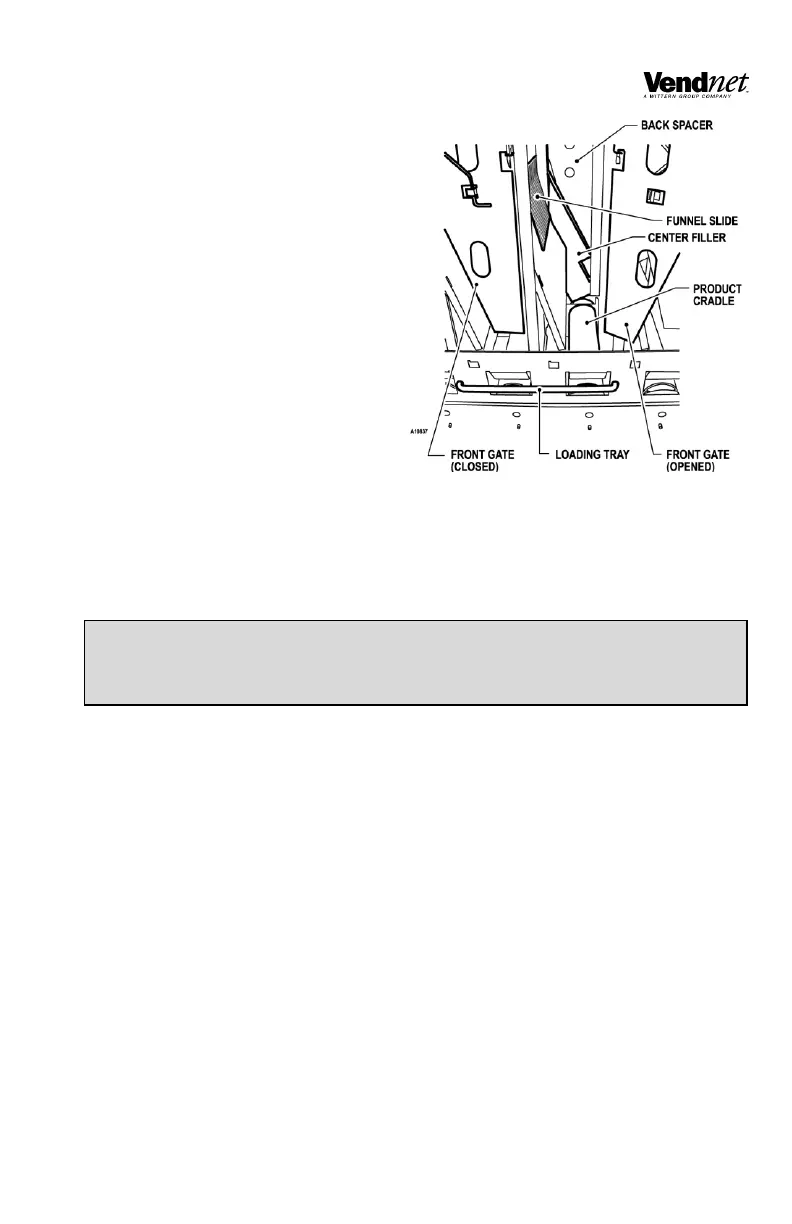
7. Add five (5) rows of products in
each column to check product spacing. Products should not have more than ¼
to ½ inches of free space at the front or back of the columns. See Figure 4.


 To Next Page