Power 7 Technology Corporation – Wi-Fi SD/USB Users Manuals v1.0
44
10.19. Exiting AirStor App (Android)
To exit from using the AirStor Android mobile devices, simply click on the and select the “Exit”
button. A warning “Are you sure you want to exit this applet?” message will appear. Click “OK” to
continue existing or click “Cancel”.
10.20. Uninstall AirStor App (iOS)
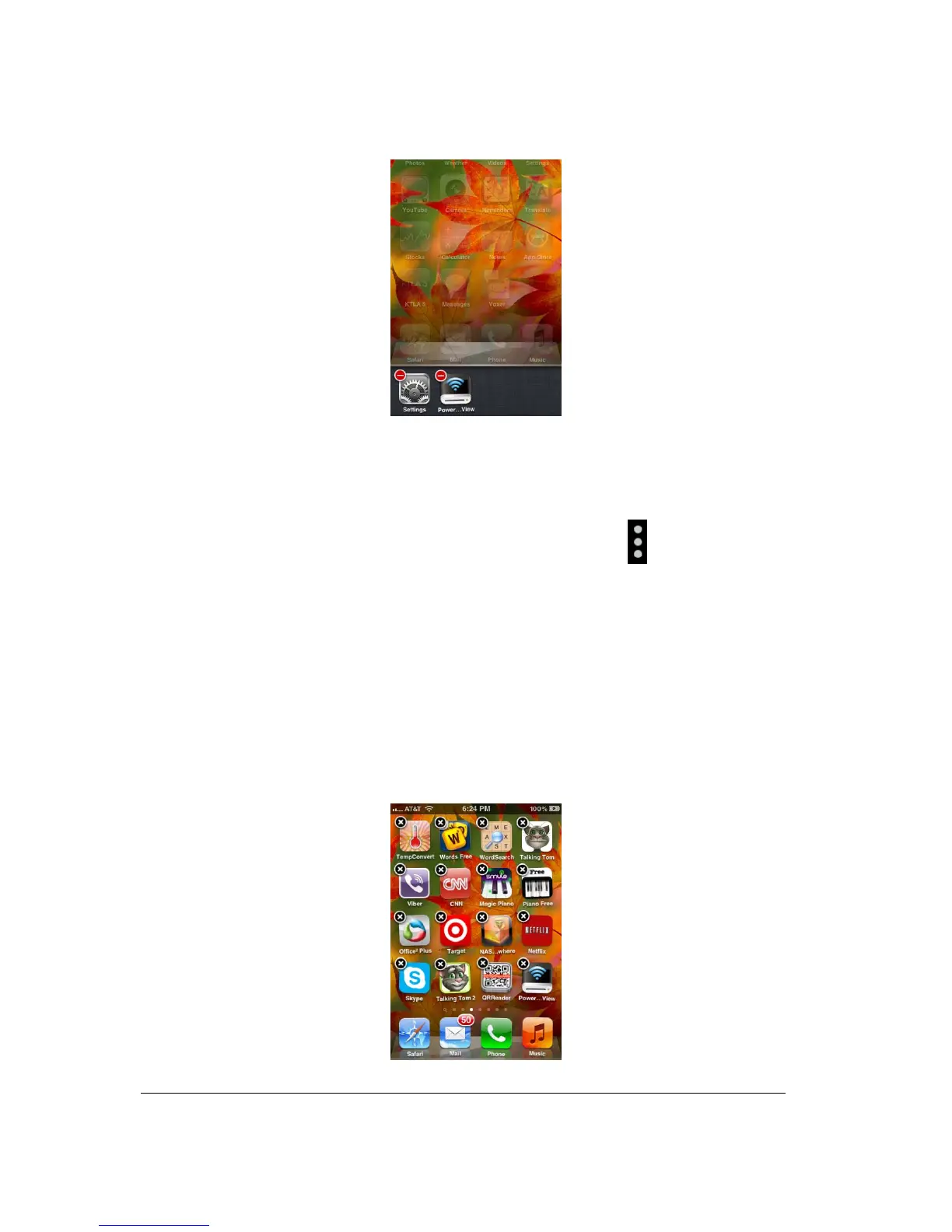
To uninstall the app from your Apple Mobile Devices, click and hold the AirStor app for few seconds.
An “X” mark will appear on all the icons on your mobile device as seen on the screenshot below.
Simple click on the “X” located at the top-left corner of the AirStor icon and this will remove the app
from your Apple device.



 To Next Page