Power 7 Technology Corporation – Wi-Fi SD/USB Users Manuals v1.0
45
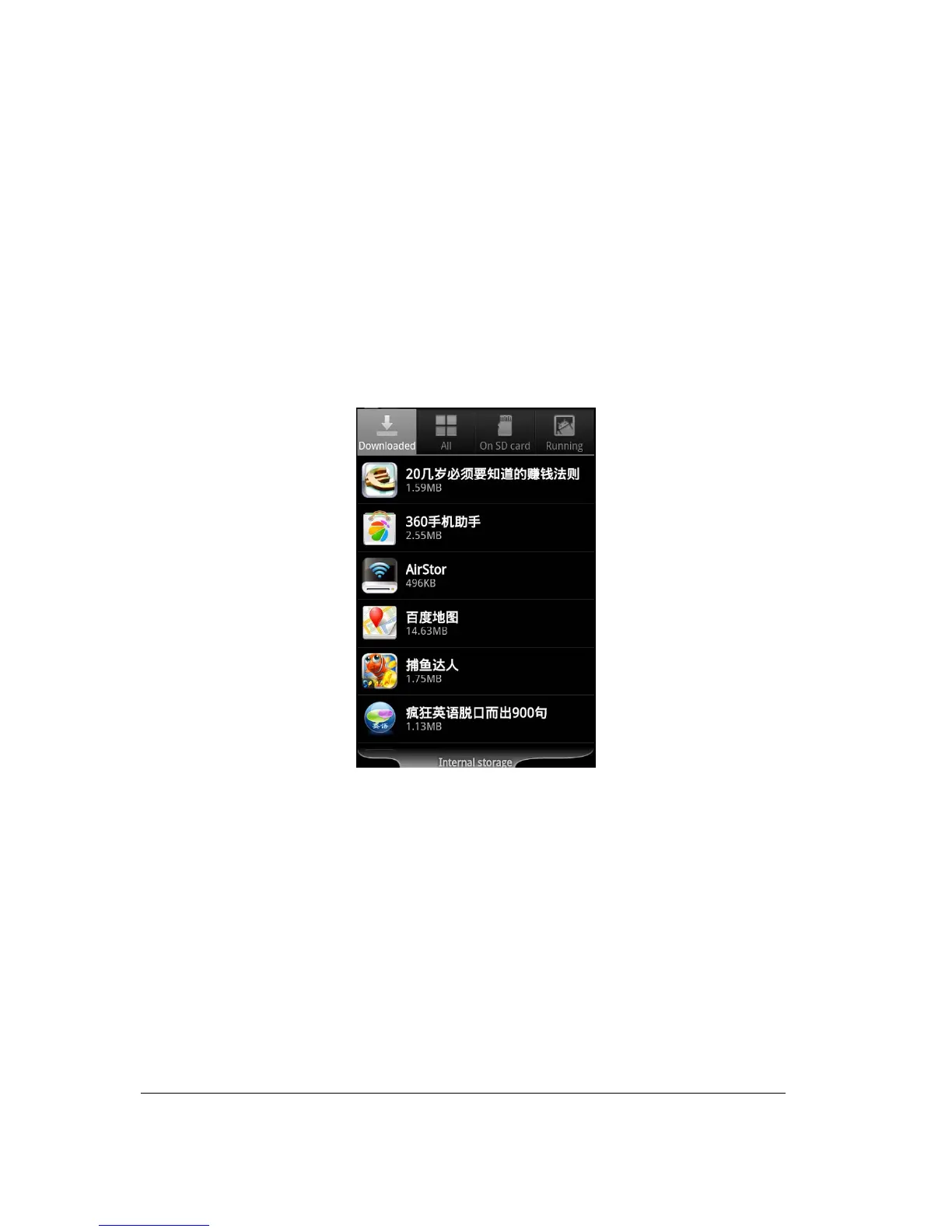
10.21. Uninstall AirStor App (Android)
To uninstall the AirStor app from your Android mobile devices, see the instructions below.
Note: Uninstalling app on the Android devices will vary. Please consult your mobile device manual
prior to removing any application.
1. Click on the Settings icon from your desktop.
2. Go into the application manager.
3. Locate and select the AirStor app.
4. Click on the “Uninstall” button.



 To Next Page