SETUP
M400 Connection Options
M400 I
NSTALLATION GUIDE 17
M400
Connection
Options
The M400 terminal can be connected to other systems using several methods.
They all connect to the M400 using the USB Type C cable connected on the rear
of the unit.
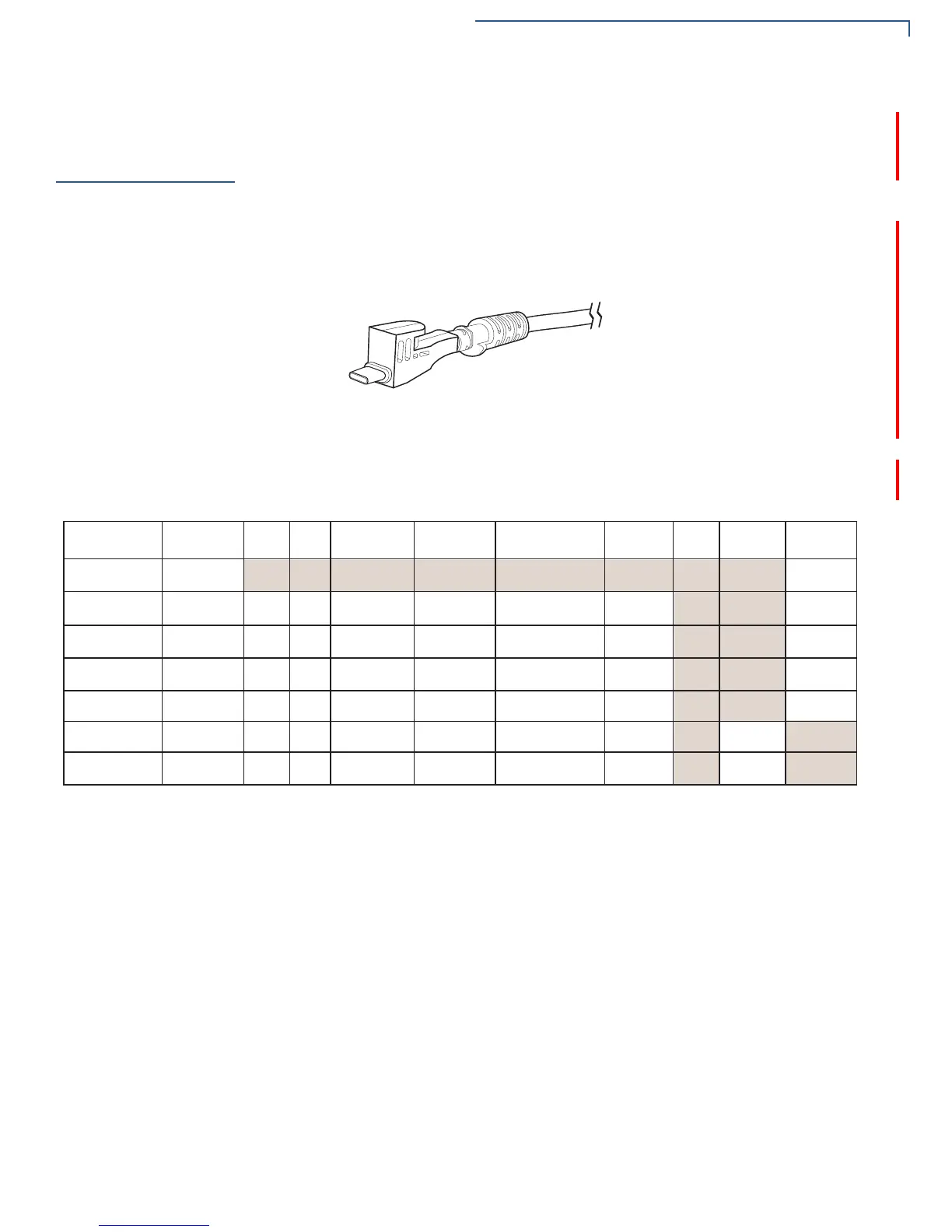
Powered USB Cable
Powered USB cable (PN CBL445-003-01-A) provides USB signal connectivity
and power. It provides a convenient way of connecting other systems of the same
type.
Figure 6 Powered USB Cable (USB Type C)
Berg Adaptor Cable
Berg adaptor cable (PN CBL445-100-01-A) connects the M400 terminal to legacy
berg connection systems. M400 supports the following Berg cables.
Verifone Cable
P/N
Cable Color Power
Audio
COM1
COM2
Tailgate/
COM3
10BT
Ethernet
PoE
USB 1.1
Host
USB 1.1
Device
23998-02-R
Yellow
24173-02-R
Purple
1 (Powered
USB)
23741-02-R
Blue
23745-02-R
Brown
26838-02-R
White
23739-02-R
Red
223740-02-R
Green
1
1
1
1
1
1
1
1
1
1
1
1
1 (RJ-45)
1 Tailgate (Female
SDL-4)
1 COM3 (RJ-45)1 (RJ-45)
1 (RJ-45)
1 (RJ-45)
1 (RJ-45)
1 (RJ-45)
1 (RJ-45)
1 (RJ-45)
1 (RJ-45)
1 (RJ-45)
1 (RJ-45)
1 (RJ-45)
1 Tailgate (Female
SDL-4)
1 COM3 (RJ-45)
1 Tailgate (Male
SDL-4)
1 COM3 (Male
DB9)
3 (RJ-45)
1 (RJ-45)
1 (RJ-45)
1 (RJ-45)
1 (RJ-45)
1 (RJ-45)
1 (Type A)
1 (Type A)
1 (RJ-45)
1 (Type A)
1 (RJ-45)
1 (Powered
USB)













 To Next Page