DEVICE SETUP
MSAM Card
18 V210 INSTALLATION GUIDE
8 Save the shipping carton and packing material for future repacking or moving
of the device.
MSAM Card
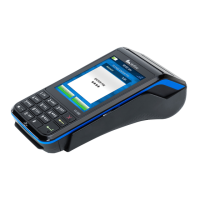
When you first receive your V210 device, you may need to install or replace the
Multiple Security Access Module (MSAM) and Subscriber Identity Module (SIM)
cards.
Opening Card
Compartment
Use the following steps to get access to the SIM1 and SIM2/SAM card
compartment:
1 Place the terminal face down on a soft and clean surface to protect the display
from scratches.
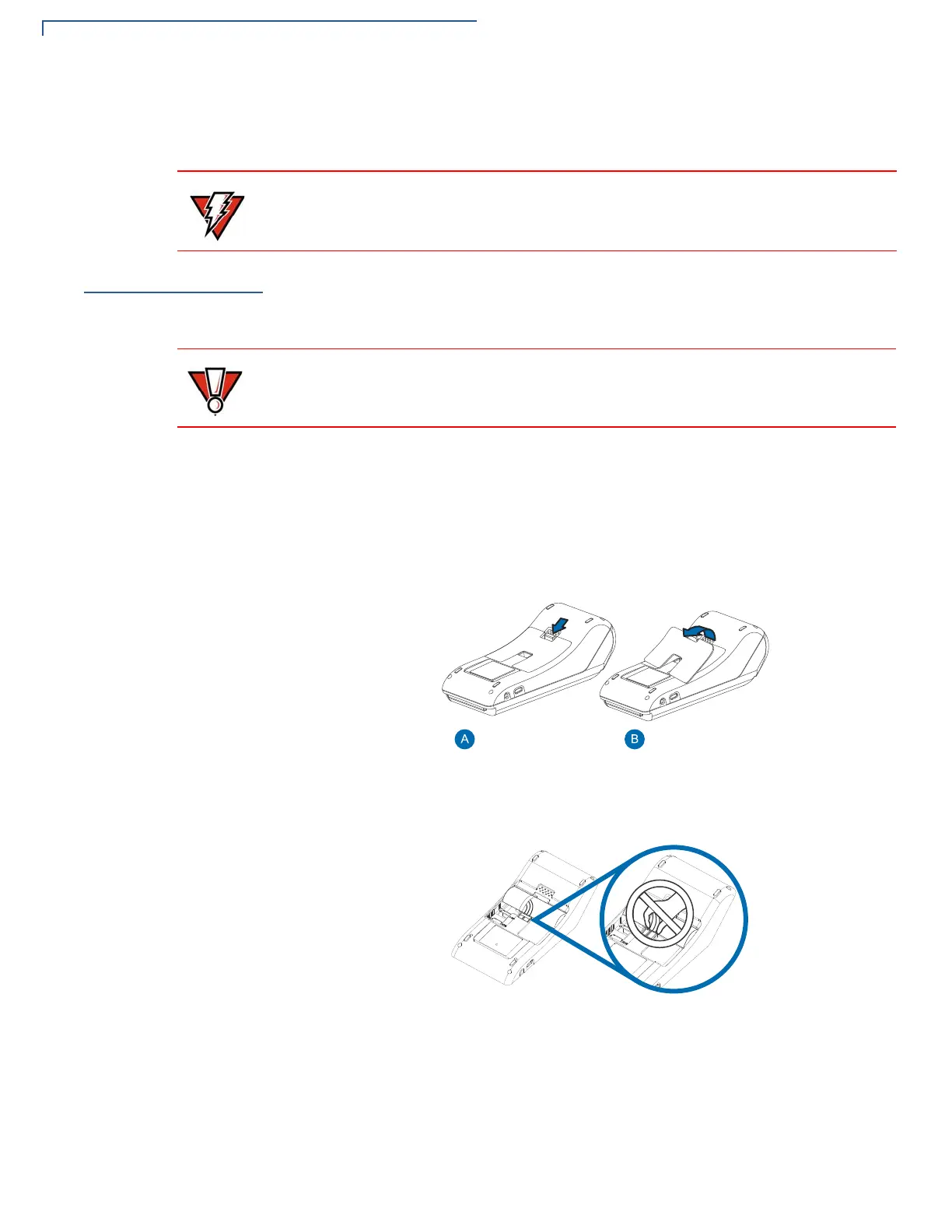
2 Push down the locking tab and swing out the compartment cover.
Figure 6 Opening Rear Compartment
3 Do not remove the battery while accessing MSAM and SIM.
Figure 7 Battery Removal
Changing or
Installing MSAMs
To change or install MSAM cards:
1 Use steps 1 to 3 of Opening Card Compartment to get to the MSAM
cardholder.
Do not use a tampered or damaged device. This device comes equipped with
tamper-evident labels. If a label or component appears damaged, please notify
the shipping company and your Verifone service provider immediately.
Observe standard precautions in handling electrostatically sensitive devices.
Electrostatic discharges can damage the equipment. Verifone recommends using
a grounded anti-static wrist strap.








 To Next Page