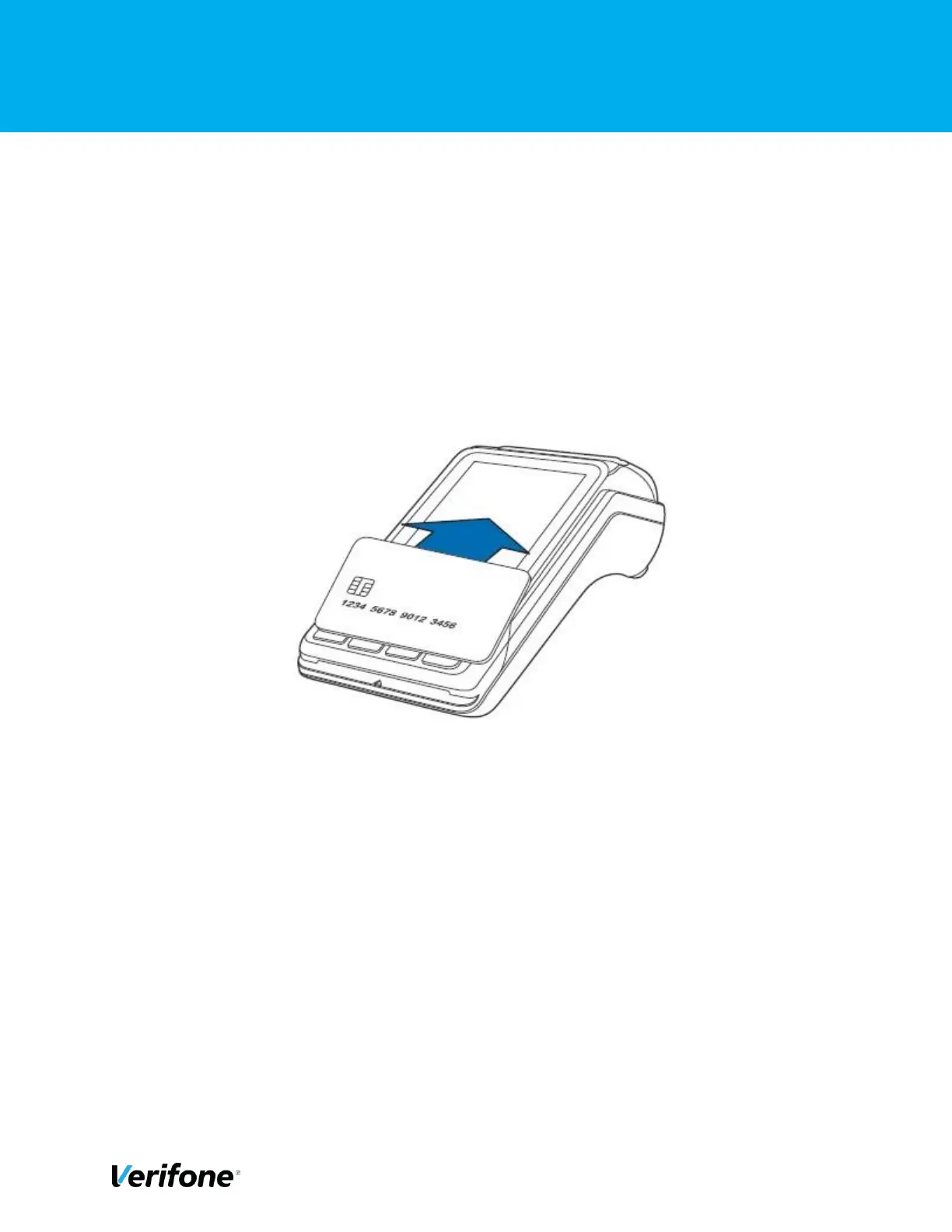
3.8 HOW TO PROCESS A CONTACTLESS CARD
To perform a contactless smart card transaction: -
1) Gently tap the card onto or hold the card (within 4 cm) against the surface of the display
where the contactless logo appears.
2) An activated LED visual on the display accompanied by a short beeping sound indicates
a successful transaction.



 To Next Page