Public | V240m+ External User Manual | Version 1.5 | September 15
th
2020
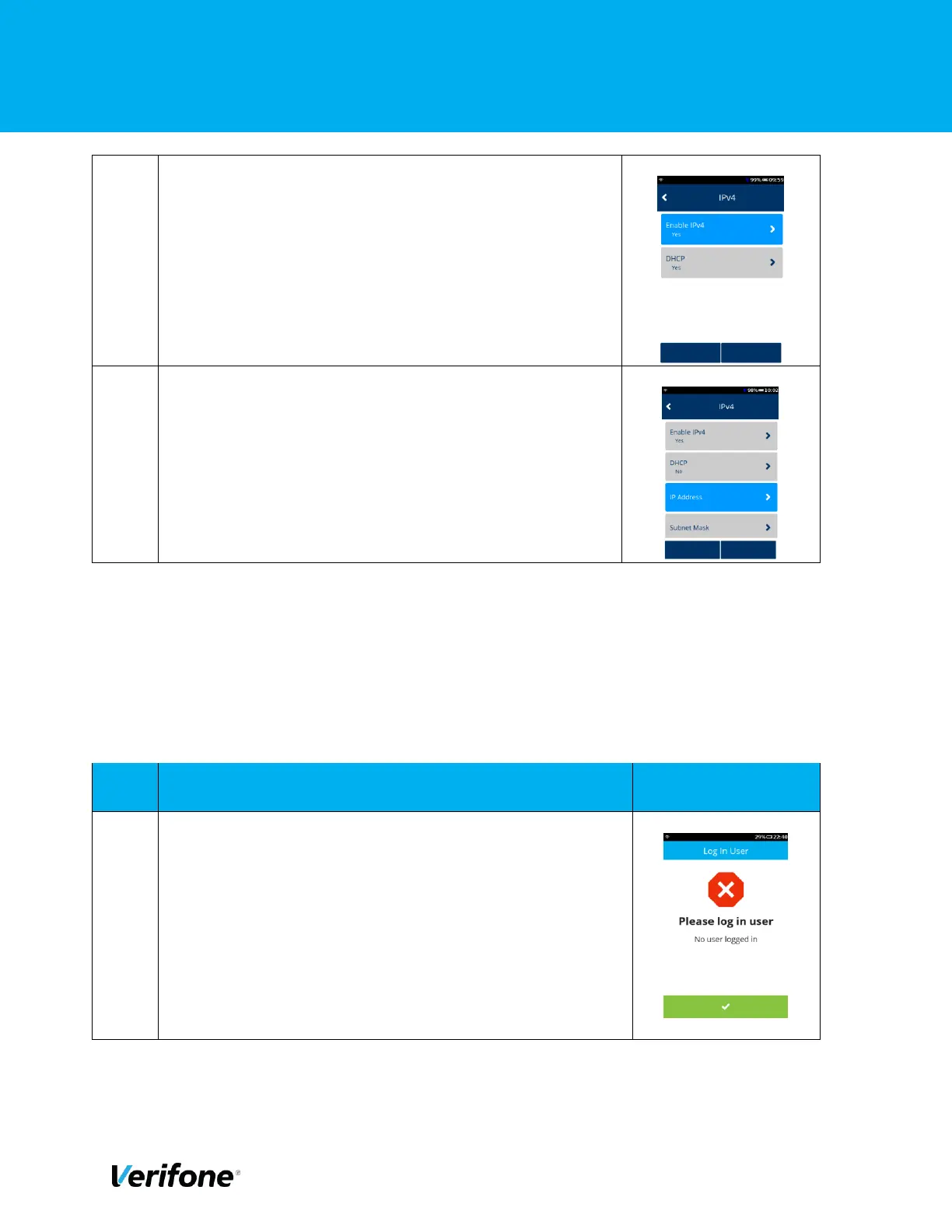
Please note, if you’d like to enter a static IP this can also
be done here under DHCP setting select No
By selecting no you will get additional menu options to add
in IP address, subnet mask, Gateway IP Address, DNS 1
and DNS 2 which you can now enter.
4.3 GPRS
The below section will cover how to set up GPRS on your device. Prior to following these steps
ensure there is a valid SIM card in your device. These instructions will provide the details for the
Verifone default SIM cards.
Either press “Green Bar” at the bottom of the screen” or press
“Green Circle” or “Enter” button to enter the Main menu.



 To Next Page