4 HOW TO CONNECT YOUR DEVICE
Please note that most option numbers do not have numbers assigned, however, the menu options
will respond to the numbers in the guide. To navigate up and down the menus, the * and # keys
respectively should be used.
4.1 WI-FI
This section will cover setting up the Wi-Fi connection when both the network is visible and
hidden
4.1.1 Visible Wi-Fi Networks
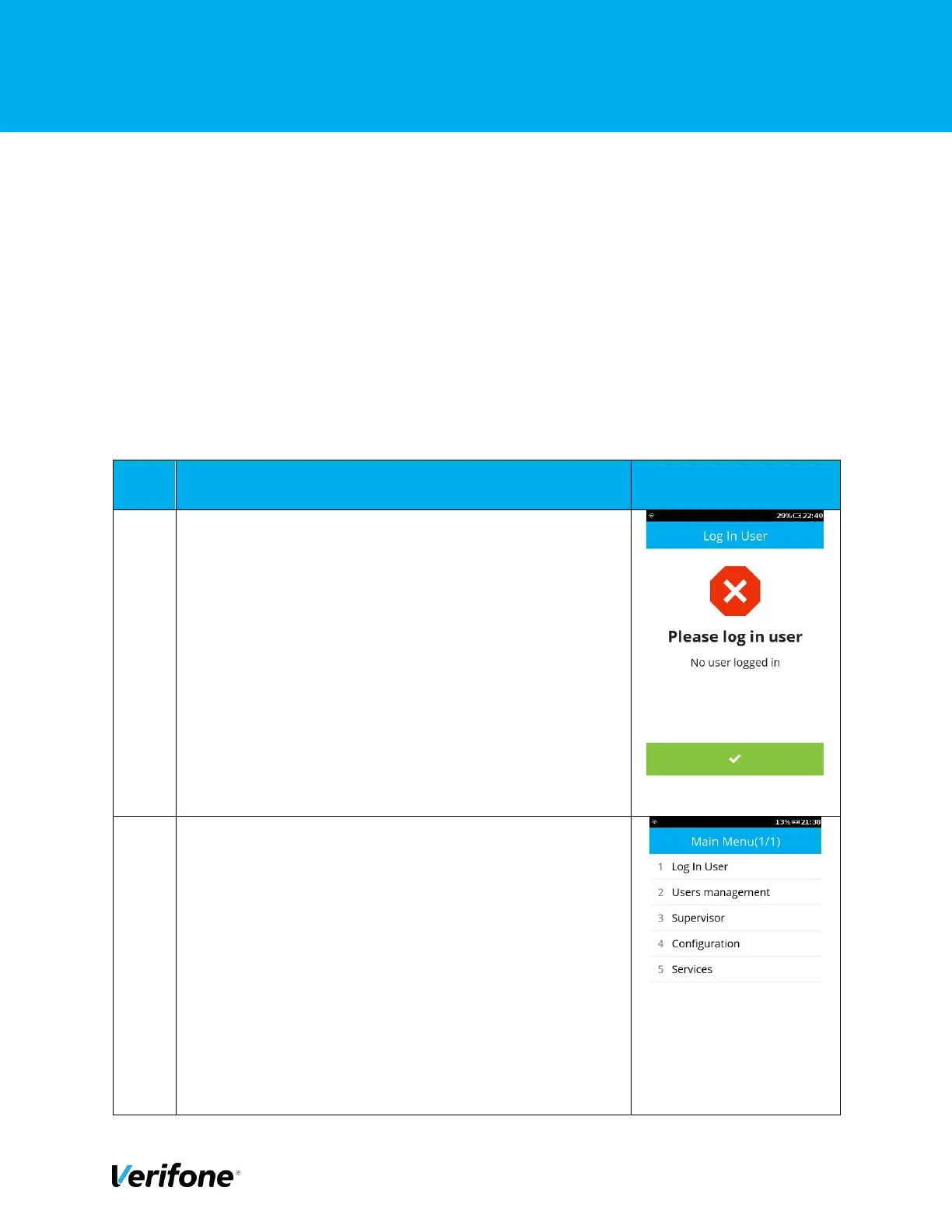
Either Tap “Green Bar” at the bottom of the screen or
press “Green Circle” or ”Enter” button to enter to the Main
menu.



 To Next Page