Public | V240m+ External User Manual | Version 1.5 | September 15
th
2020
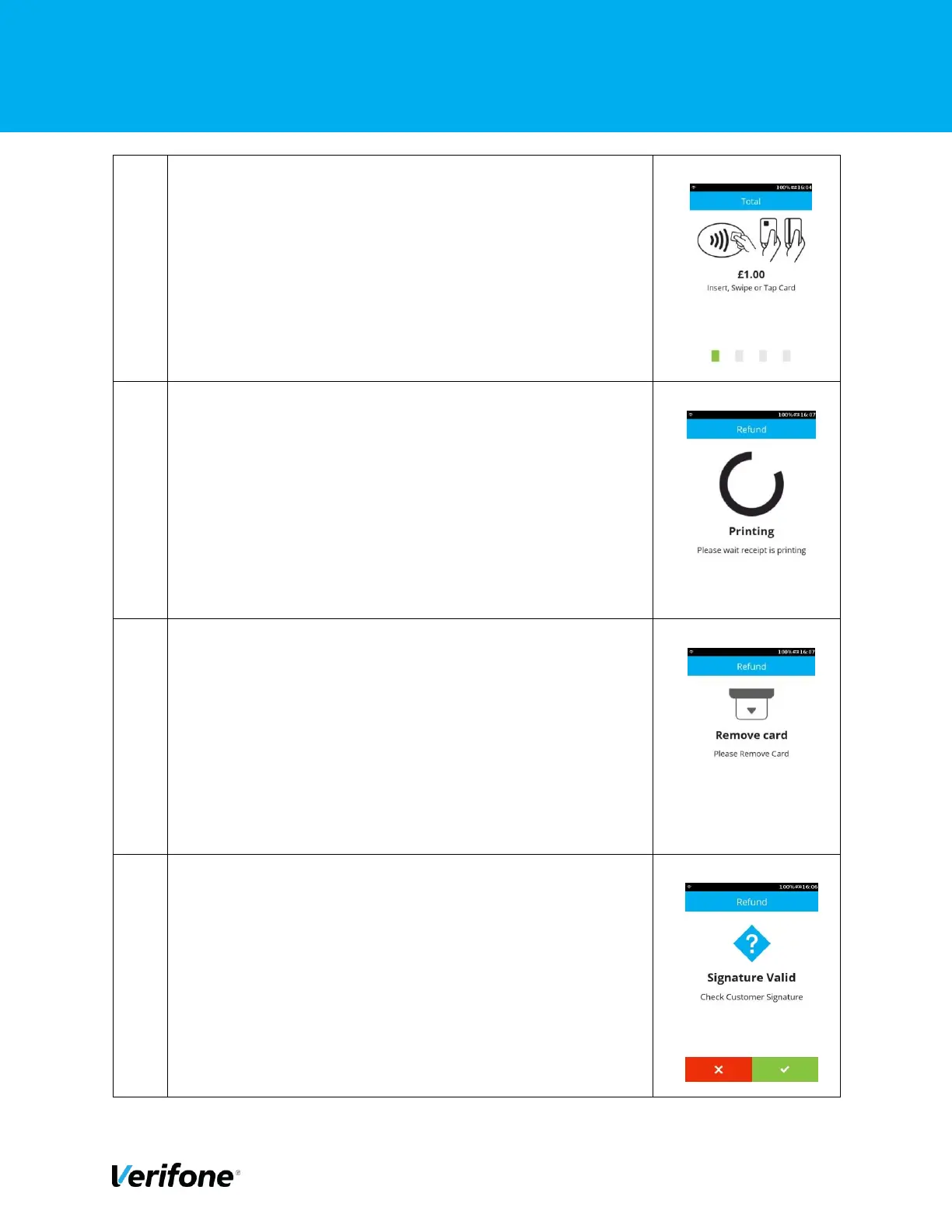
On this screen, the user can choose the card payment
method, i.e. Tap for contactless, Swipe or Insert. This
example will follow Chip and PIN route.
After the card has been inserted, the device will print the
merchant receipt with signature prompt.
Remove the card as prompted.
Press the “Green” button or “Green Circle” button to confirm
the signature matched or else “Red” button or “Red Cross”
button to cancel the transaction.



 To Next Page