UTILITIES
To load the configuration file:
1. Select Save & RestoreSave & Restore in the UtilitiesUtilities section.
2. To load a previously saved configuration file, click Choose Choose
FileFile.
3. Browse to the location of the file, and click ApplyApply to begin
the configuration uploading process.
4. Accessing the My FiosMy Fios app or the My VerizonMy Verizon account also
allows you to restore the previously saved settings.
5. Click Restore configurationRestore configuration button. Your Fios Router will
automatically restart with that configuration.
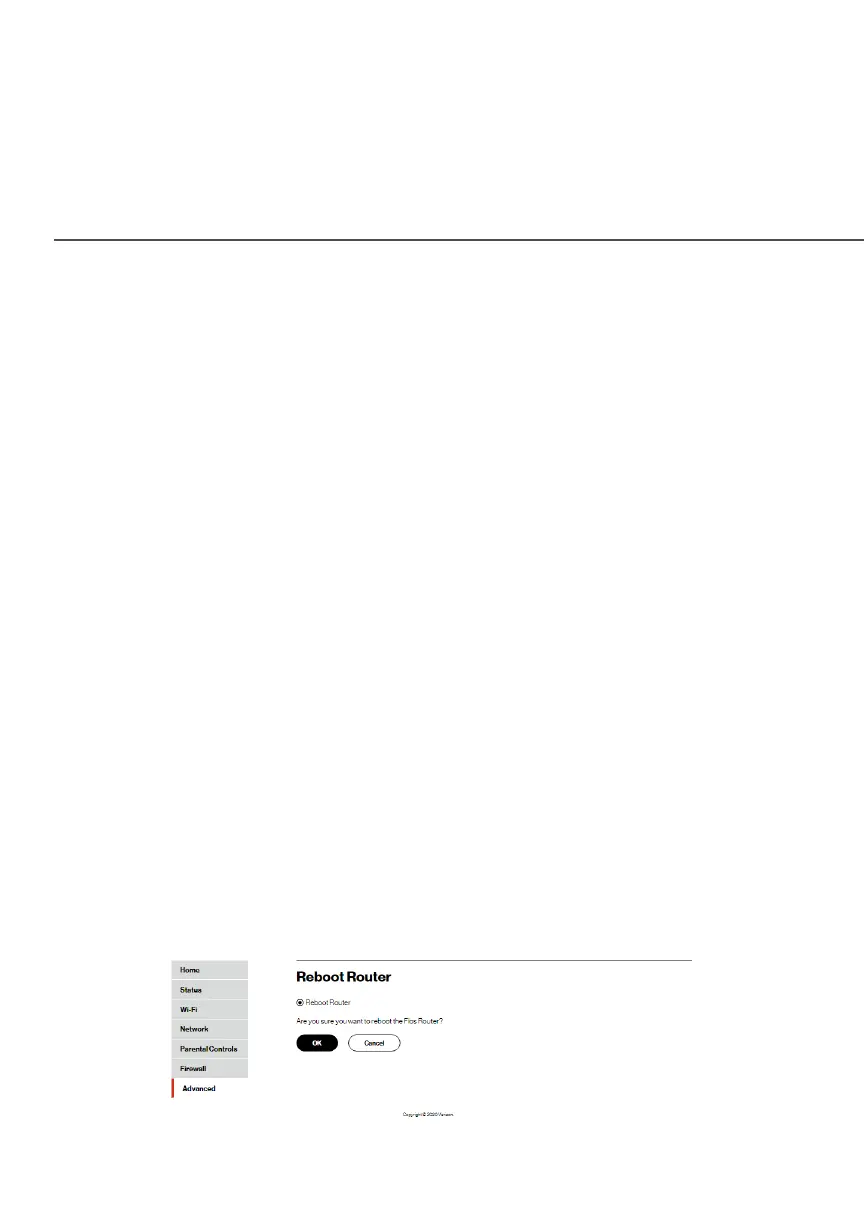
8.1c/ REBOOT FIOS ROUTER
Warning: Only select Reboot Router if instructed to do so by
Verizon support.
You can reboot your Fios Router using the Reboot Router Only
feature. Refer to 1.3b/ REAR PANEL for power button options.
To reboot your Fios Router using the user interface:
1. Select Reboot Router Reboot Router in the UtilitiesUtilities section.




















 To Next Page