UTILITIES
2. In the To Physical AddressTo Physical Address field, enter the MAC address of
your new device.
3. To locate the MAC address, refer to the documentation
from the device manufacturer.
4. Click ApplyApply to save changes.
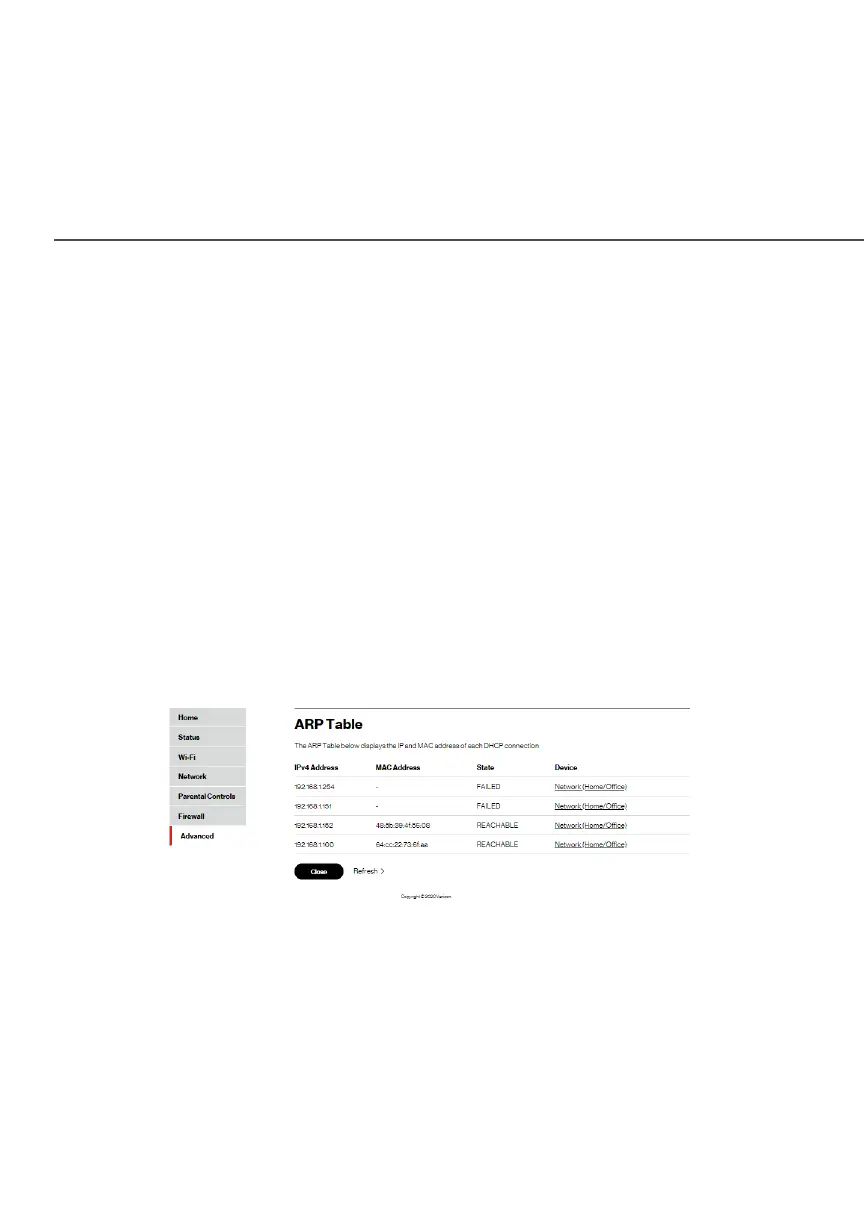
8.1e/ ARP TABLE
You can view the IPv4 and MAC addresses of each DHCP
connection.
To view the IPv4 and MAC addresses:
1. Select ARP TableARP Table in the UtilitiesUtilities section.
2. Review the IPv4 and MAC address for each device.
3. When complete, click CloseClose.




















 To Next Page