111
/ CONFIGURING
ADVANCED SETTINGS
verizon.com/business/products/fios-internet | ©2020 Verizon. All Rights Reserved
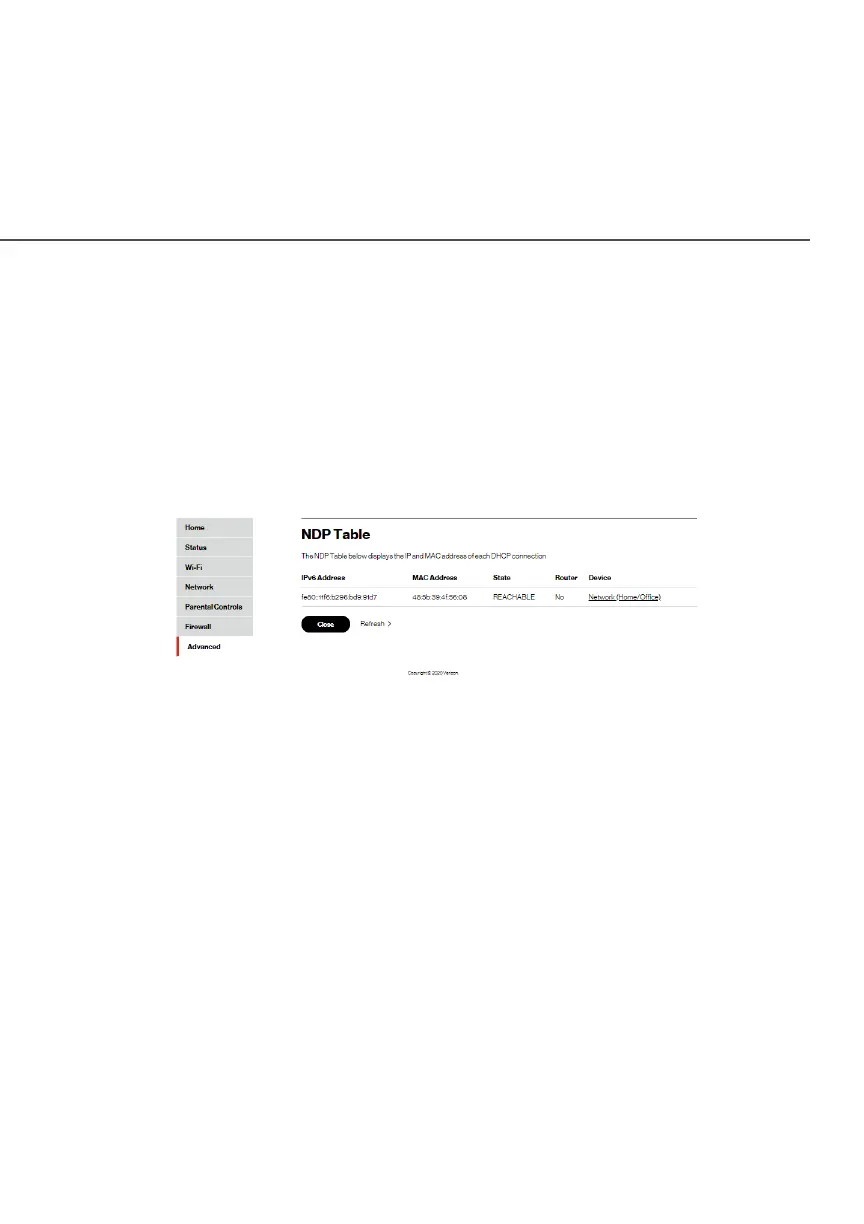
8.1f/ NDP TABLE
You can view the IPv6 and MAC addresses of each DHCP
connection.
To view the IPv6 and MAC addresses:
1. Select NDP NDP (Neighbor Discovery Protocol ) Table Table in the
UtilitiesUtilities section.
2. Review the IPv6 and MAC address for each device.
3. When complete, click CloseClose.
8.1g/ USERS
You can view the users that can currently access your Wi-Fi
network. In addition, you can modify their login password and name
as well as manage the number of unsuccessful login attempts a
user can enter before your Fios Router temporarily denies all further
login attempts by that user.




















 To Next Page