UTILITIES
To view users:
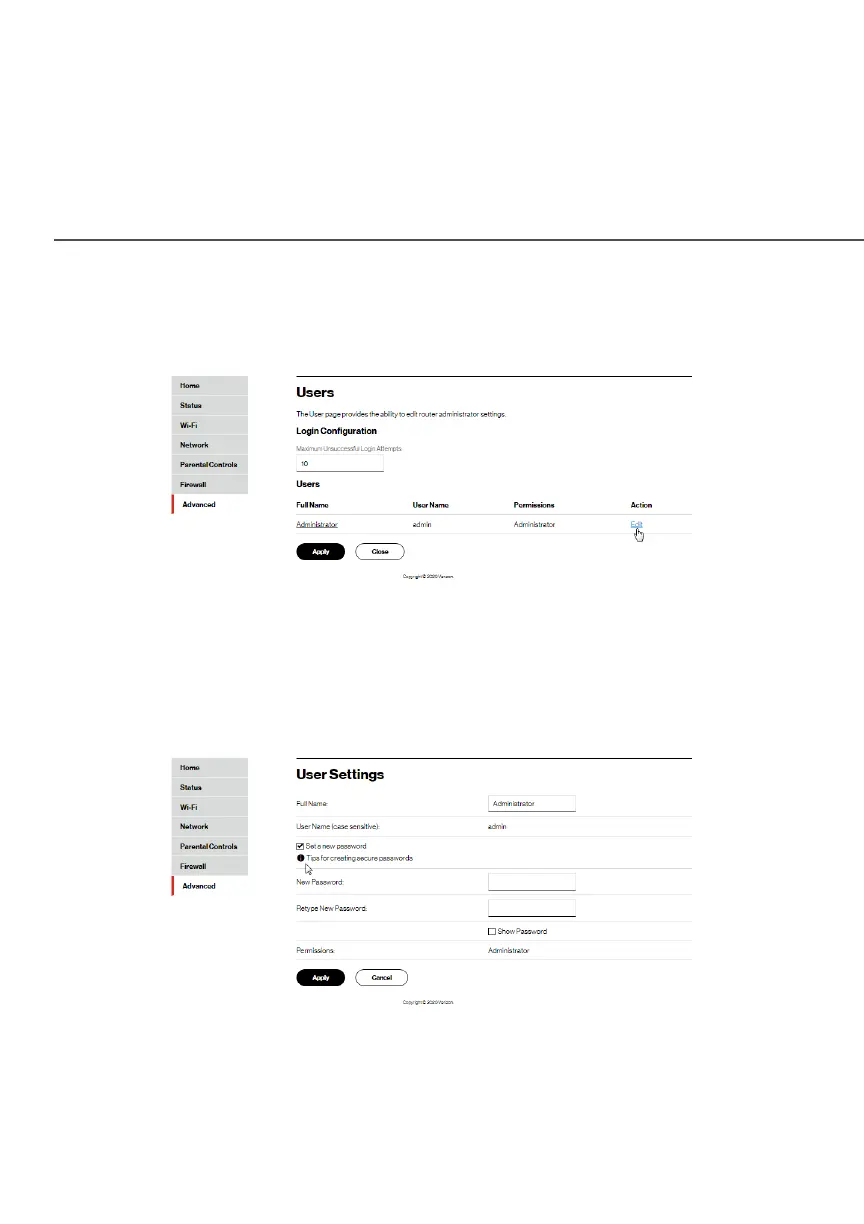
1. Select UsersUsers in the UtilitiesUtilities section.
2. In the Login ConfigurationLogin Configuration section, enter the maximum
number of unsuccessful login attempts.
3. To edit usernames and passwords, click the EditEdit in the
ActionAction column. The User SettingsUser Settings page displays.
4. Edit the username and set a new password, as needed.




















 To Next Page