139
/ CONFIGURING
ADVANCED SETTINGS
verizon.com/business/products/fios-internet | ©2020 Verizon. All Rights Reserved
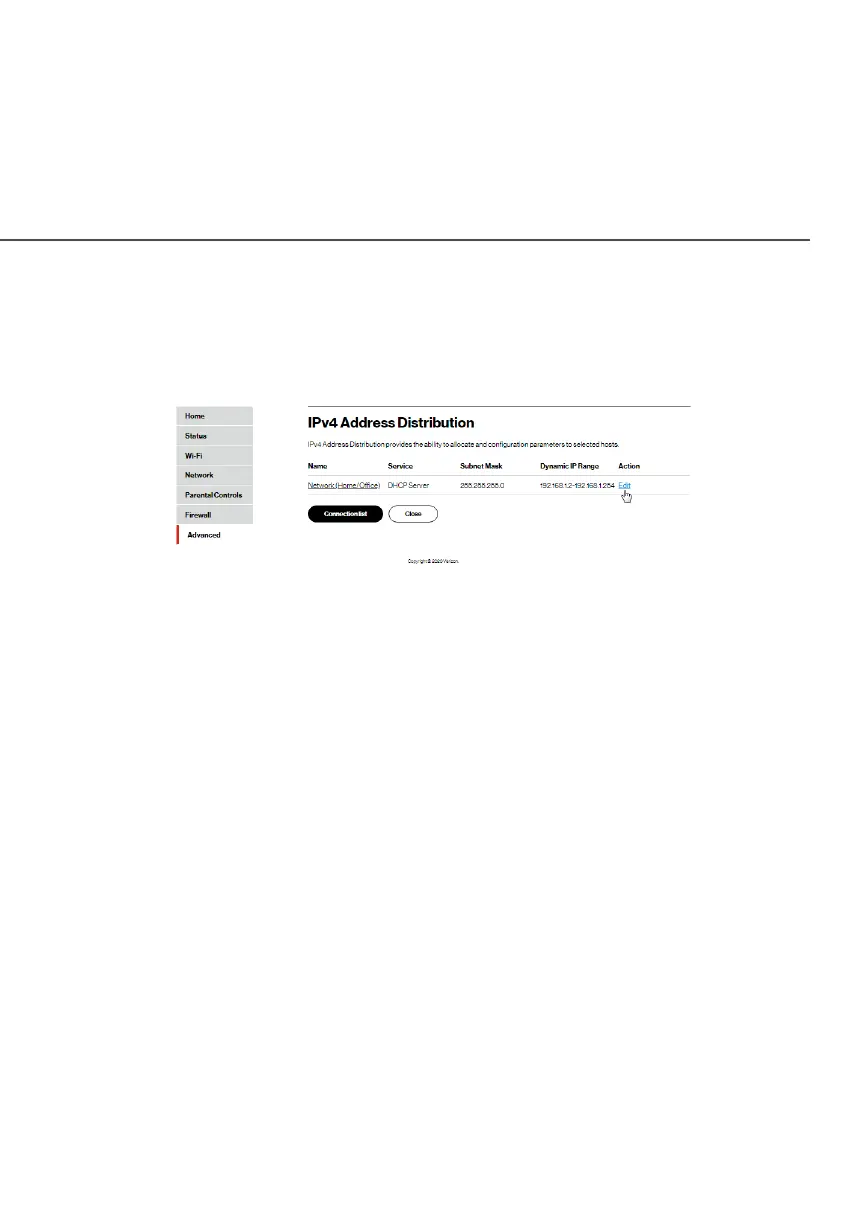
To view a summary of the services provided by the DHCP server:
1. Select IPv4 Address DistributionIPv4 Address Distribution in the Network SettingsNetwork Settings
section.
2. You can edit the DHCP server settings for a device. On the
IPv4 Address DistributionIPv4 Address Distribution page, click the EditEdit icon in the
ActionAction column. The DHCP Settings page opens with the
device information displayed.
3. To enable the DHCP server, select DHCP ServerDHCP Server in the IPv4 IPv4
Address DistributionAddress Distribution field.
4. Once enabled, the DHCP server provides automatic IP
assignments (IP leases) based on the preset IP range
defined below.




















 To Next Page