25
/ CONNECTING
YOUR FIOS ROUTER
verizon.com/business/products/fios-internet | ©2020 Verizon. All Rights Reserved
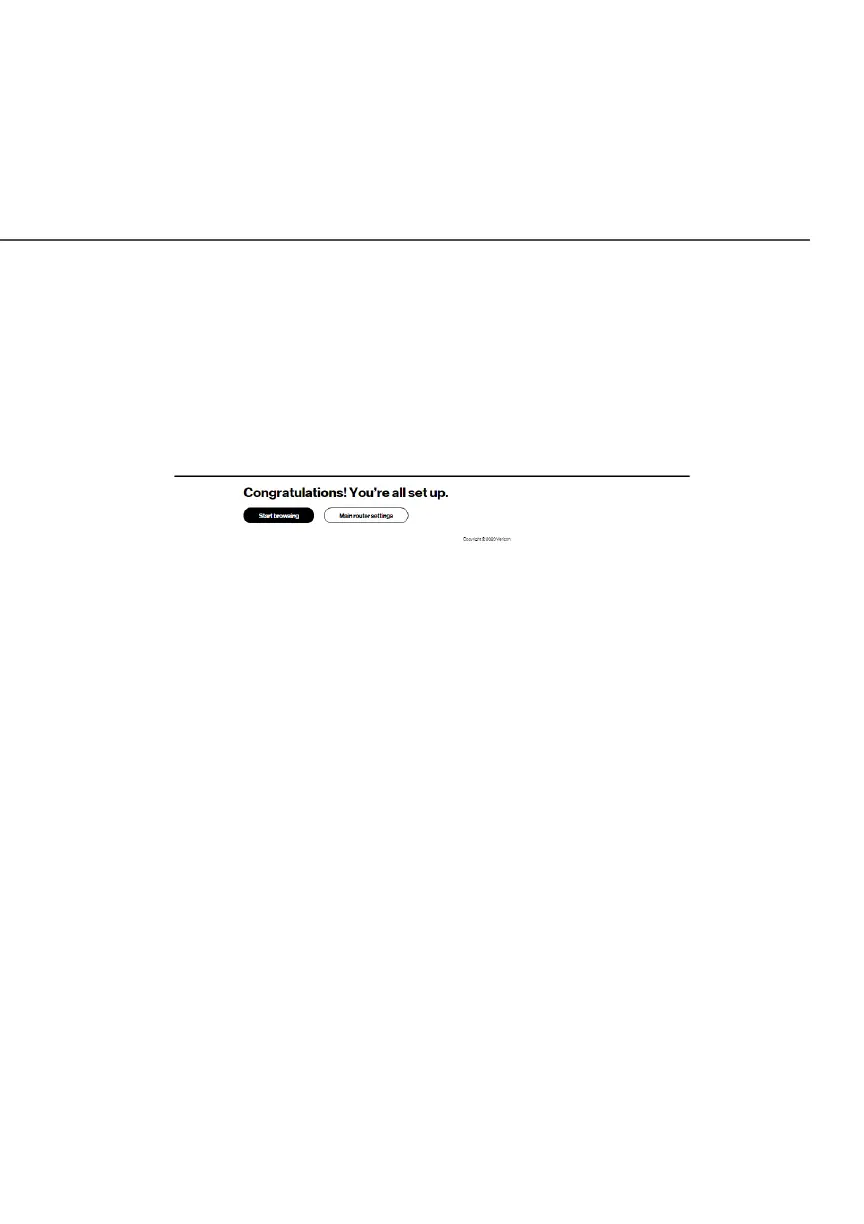
The Congratulations! You’re all set up.Congratulations! You’re all set up. screen displays once
your Fios Router verifies the final settings and has successfully
connected to the internet and is ready for use. You can click on
Main router settingsMain router settings to access the main screen of the Fios Router
or click on Start browsingStart browsing and you will be directed to the Verizon.
com website.
If your Fios Router is subsequently reset to the factory default
settings, the settings printed on the label will again be in eect.
If your Fios Router fails to connect, follow the troubleshooting steps
in the Troubleshooting section of this guide.
./ EXPANDING WIFI COVERAGE
Connecting Verizon’s Fios Extender to the Fios Router allows you
to extend Wi-Fi signal range of the Fios Router for eliminating Wi-Fi
dead zones on your Wi-Fi network.




















 To Next Page