ACCESSING NETWORK SETTINGS
Caution: The settings described in this chapter should only be
configured by experienced network technicians. Changes could
adversely aect the operation of your router and your local
network.
./ ACCESSING NETWORK SETTINGS
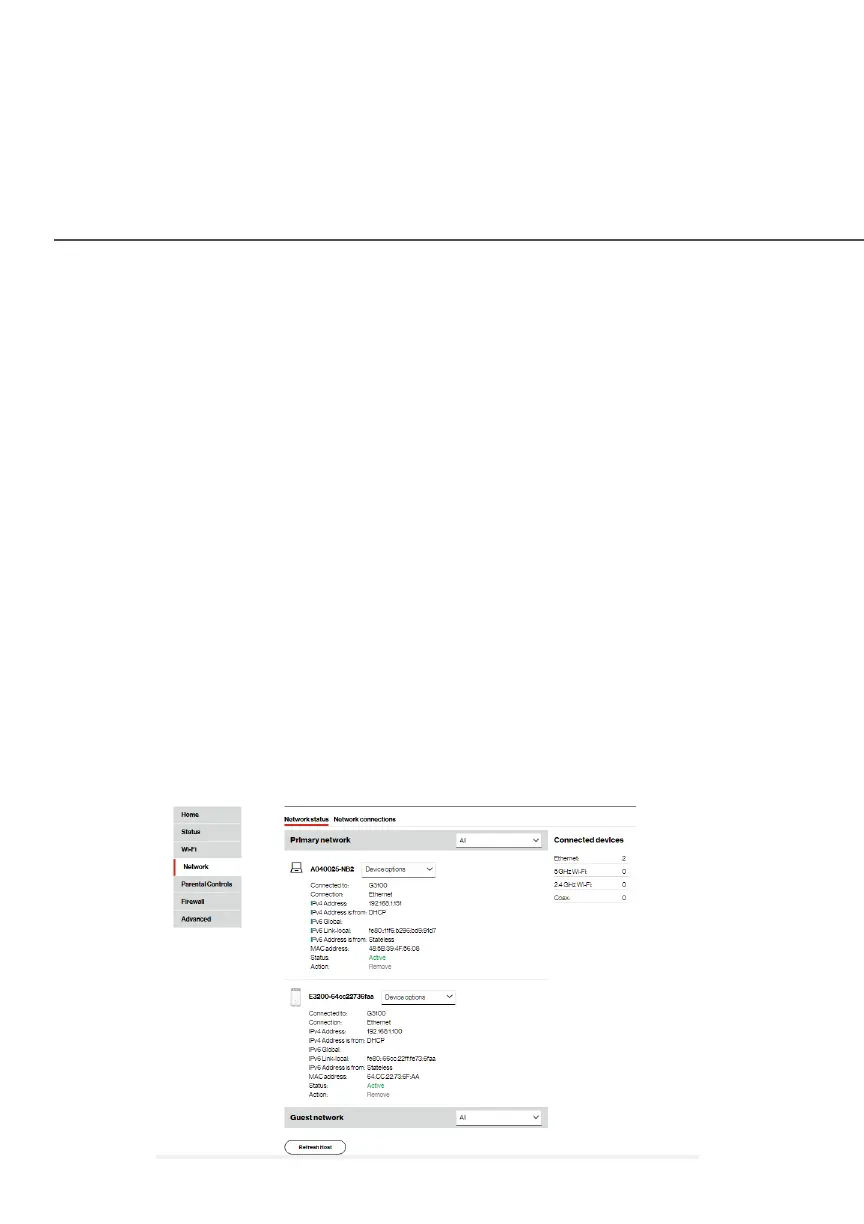
The NetworkNetwork section allows you to view and manage your network
connections and devices. You can block websites and internet
services, set port forwarding, view device details, and rename
devices.
4.0a/ NETWORK STATUS
To view your network connections:
Select NetworkNetwork from the left pane, and then click Network statusNetwork status.




















 To Next Page