55
/ CONFIGURING
NETWORK SETTINGS
verizon.com/business/products/fios-internet | ©2020 Verizon. All Rights Reserved
– To view and edit the details of a specific network connected
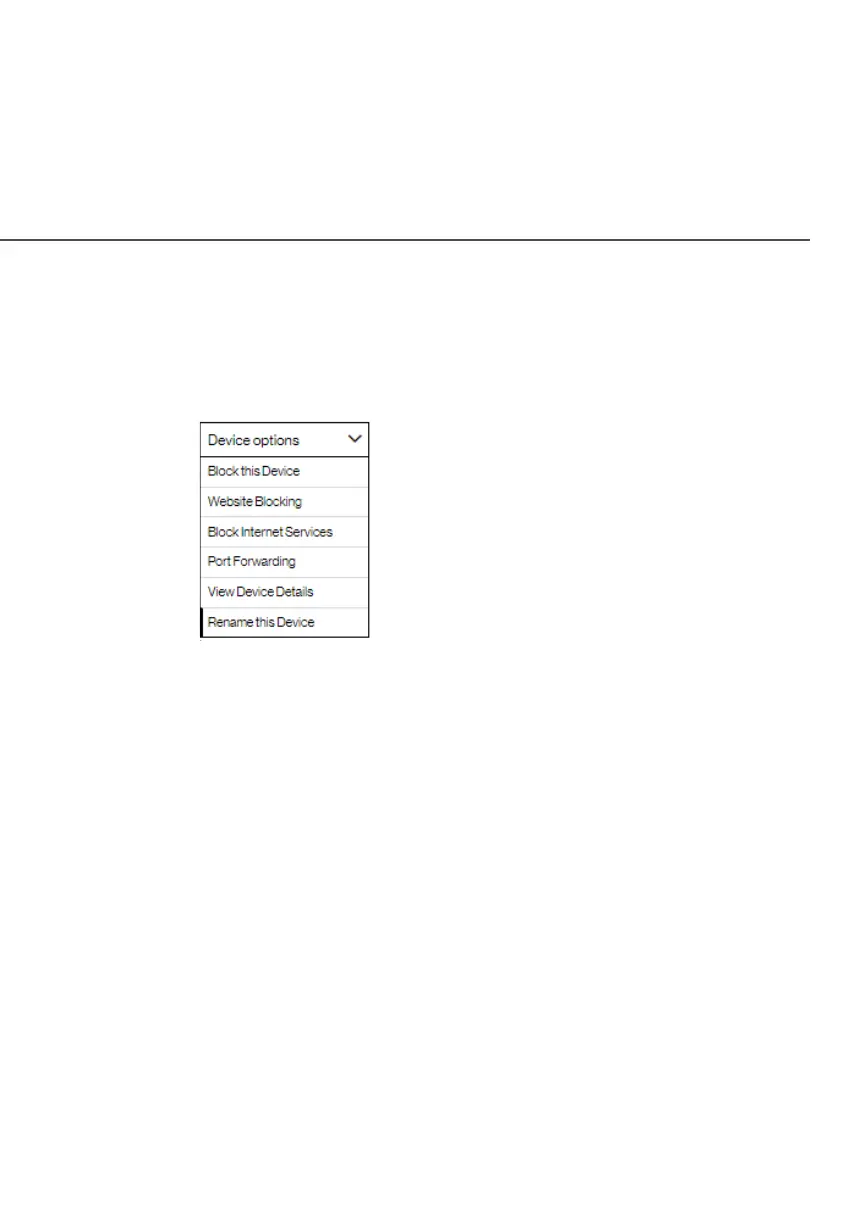
device, click the hyperlinked name from the Device optionsDevice options
drop-down menu.
– To filter the network connected device, click the drop-down
menu
and select one of the options.
– To remove all inactive network connections, click the Refresh Refresh
HostHost option at the bottom of the list.
The following sections detail the types of network connection
settings that you can view and configure.
./ USING NETWORK SETTINGS
You can access and configure common network parameters:
• Block this DeviceBlock this Device/Un-Block this DeviceUn-Block this Device - Click this option
to quickly enable/disable a device from having internet
access.
• Website BlockingWebsite Blocking - To block specific websites, click
Website Blocking. The Parental Controls page displays.




















 To Next Page