68
/ USING NETWORK
CONNECTIONS
verizon.com/business/products/fios-internet | ©2020 Verizon. All Rights Reserved
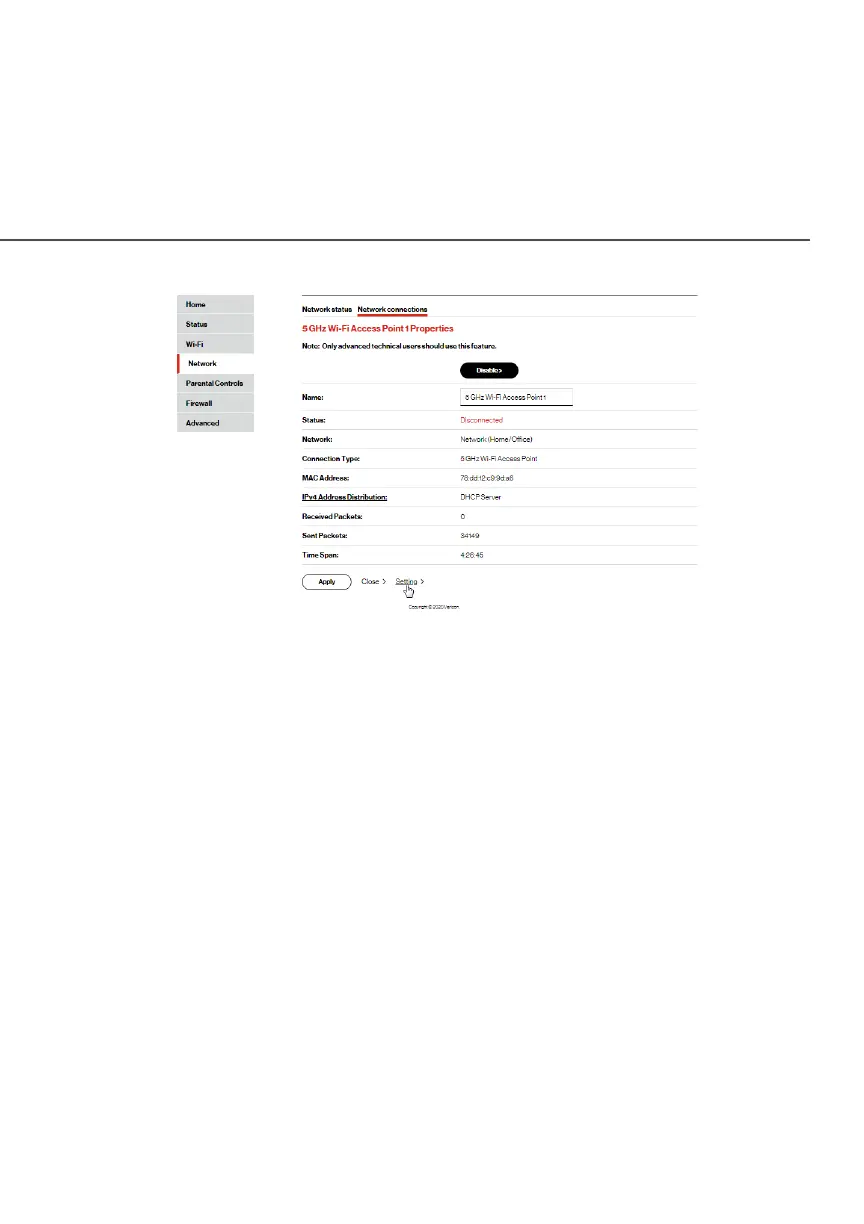
3. To disable the connection, click the DisableDisable button.
4. To rename the connection, enter a name in the NameName field.
5. Click ApplyApply to save the changes.
6. Reboot your Fios Router.
5.2a/ CONFIGURING Wi-Fi ACCESS POINT PROPERTIES
To configure the connection:
1. In the 5.0GHz Wi-Fi Access Point 1 Properties5.0GHz Wi-Fi Access Point 1 Properties or 2.4GHz 2.4GHz
Wi-Fi Access Point 2 PropertiesWi-Fi Access Point 2 Properties page, click SettingSetting. The
configuration page displays.




















 To Next Page