FIREWALL
When the website is returned from the web server, the firewall
associates the website with this session and allows it to pass;
regardless HTTP access from the internet to the local network is
blocked or permitted. It is the origin of the request, not subsequent
responses to this request, which determines whether a session can
be established.
7.0a/ SETTING FIREWALL CONFIGURATION
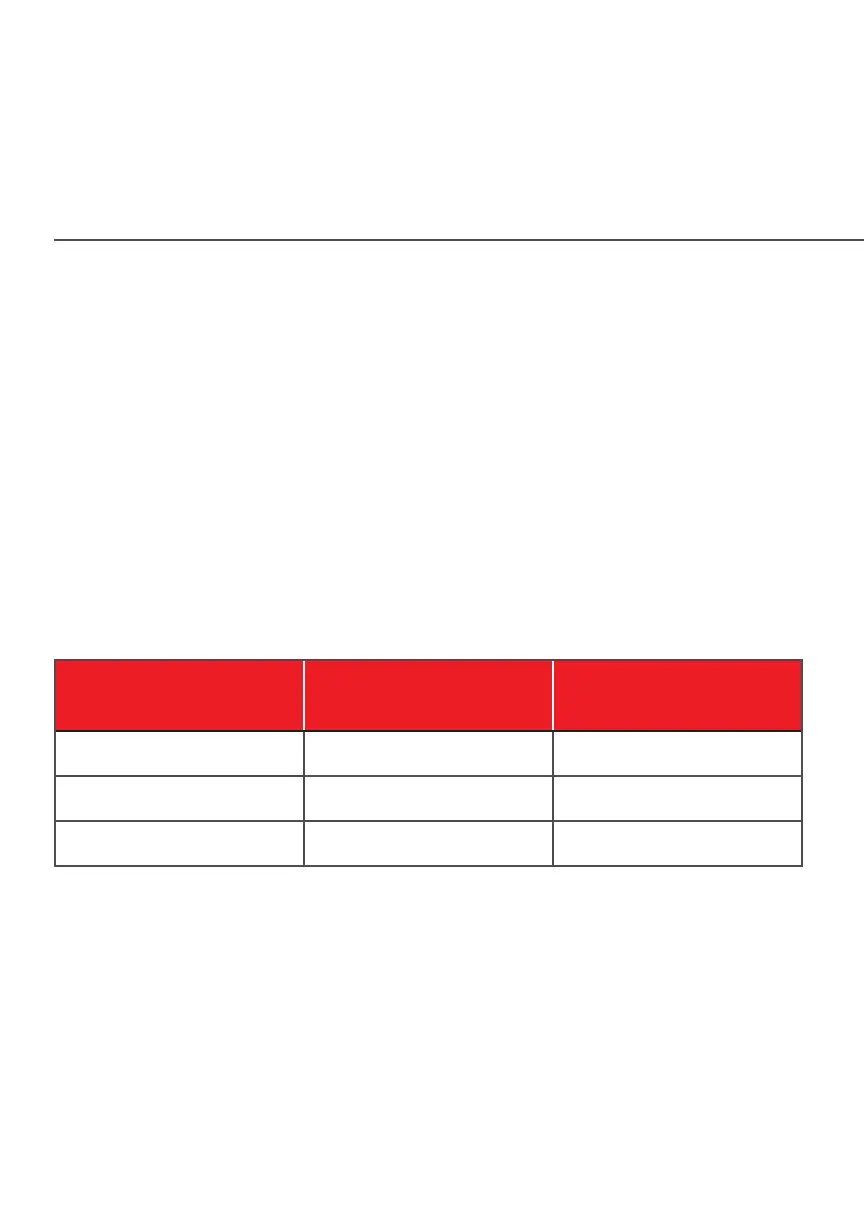
You can select a maximum, typical, or minimum security level to
block, limit, or permit all trac. The following table shows request
access for each security level.
Security Level
Internet Requests
Incoming Trac
Local Network Requests
Outgoing Trac
Maximum Blocked Limited
Typical Blocked Unrestricted
Minimum Unrestricted Unrestricted
The request access is defined as:
• Blocked trac - no access allowed, except as configured in
Port Forwarding and Remote Access
• Limited - permits only commonly used services, such as email
and web browsing
• Unrestricted - permits full access of incoming trac from the
internet and allows all outgoing trac, except as configured in
Access Control




















 To Next Page