TROUBLESHOOTING
5-6
VersaPulse Select Service Manual
0621-499-01 12/95
®
®
Remove the top cover to access the laser head (optics bench), to access the coolant fill reservoir or to remove either
side cover.
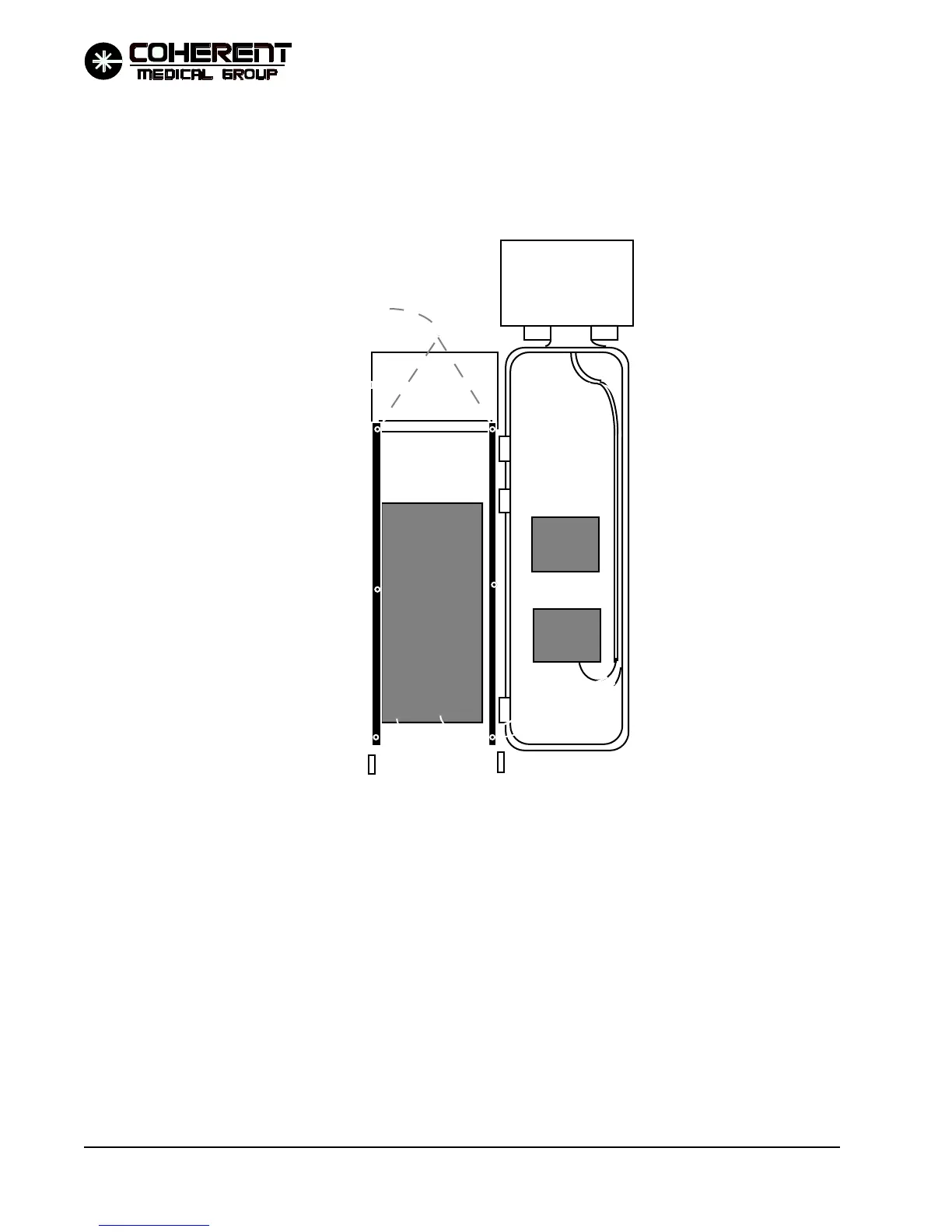
To remove the top cover, first open the front cover, then remove the two screws located as shown in the drawing
below.
Remove optics bench cover to access the Shutter PCB, Single Solenoid PCB, Dual Solenoid PCB, Servo PCB and
all of the optical component. Removing the cover exposes the optics bench to airborne contamination. The optics
that operate on the YAG beam are particularly susceptable to damage associated with optics surface contamina-
tion. Remove this cover only when necessary. If the cover must be removed, be careful to minimize exposure of
the optics bench interior to external contamination.
To remove the head cover, loosen the screws located along the bottom edge of three sides, then lift the cover up.
FIGURE 5.4 REMOVING THE TOP COVER
Remove these two
xxx screws.
Cover lifts off


 To Next Page