Using Directory 2-6
Chapter 2: BASIC CALL HANDLING
MBX IP Station User Guide
Using and Entering Station Speed Dial Numbers
Each station in the MBX IP-100 System is allocated memory for 20 Station Speed Dial numbers
(bins 00-19) each up to 48 digits. The MBX IP-300 support 100 Station Speed Dial numbers
(bins 000-099). These numbers are entered at the user's station and may include several
"special" instructions. Special instructions and the corresponding button are:
• PAUSE will momentarily stop dialing.
• FLASH as 1st digit-Activate dial tone detect.
• FLASH not as 1st digit-The system will generate a flash on the CO line.
• MSG as 1st digit-Send digits as ISDN Keypad Facility message.
• '*' as 1st digit-Display Security, the stored number will not be displayed when used.
• '*' not as 1st digit-Dial Pulse to Tone Switchover, the system will switch from pulse to
tone dialing.
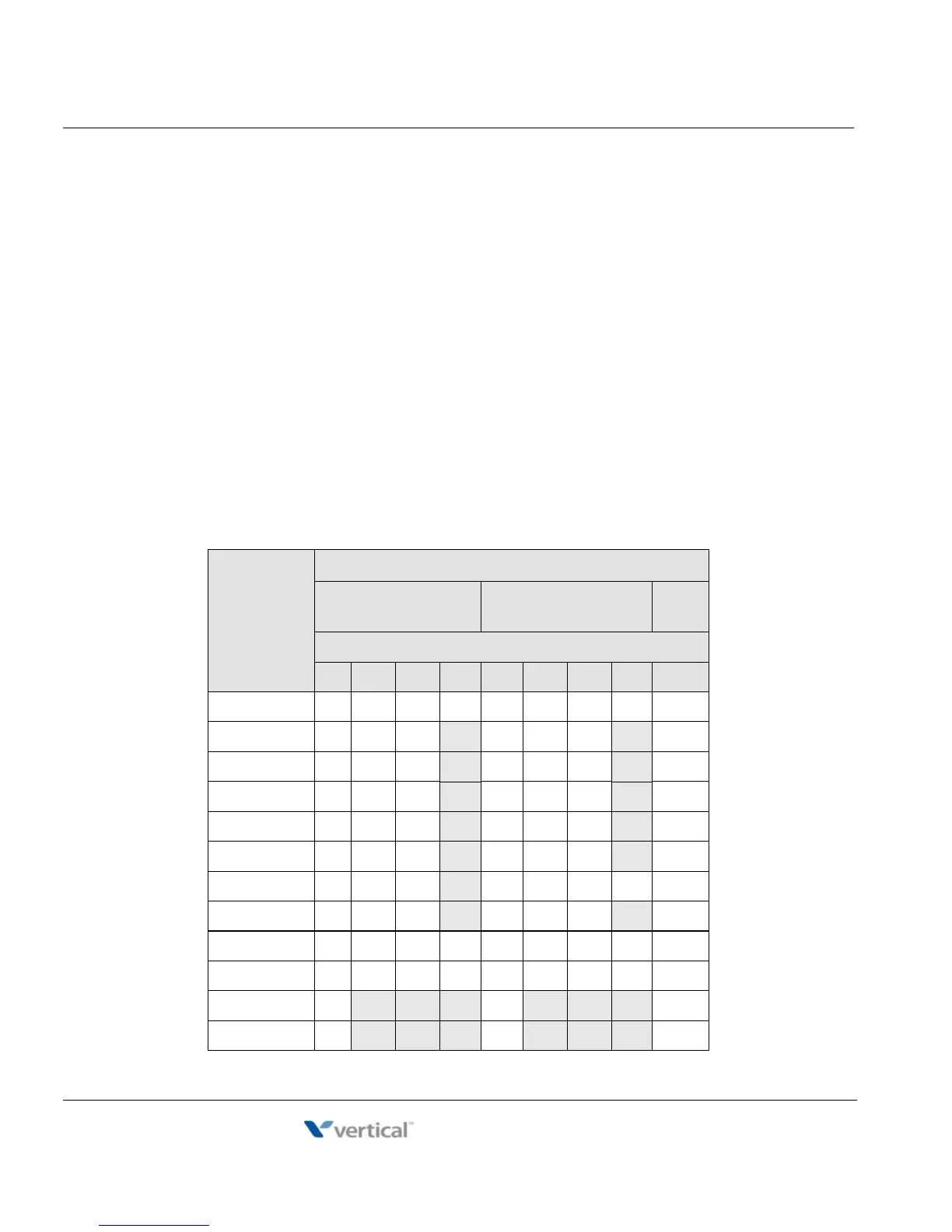
When entering a Speed Dial, a 16 character name may be associated with the number for Dial
by Name. Characters are entered with two keystrokes as in the chart below.
Dial Pad
Button
Letter Type
Uppercase
(ABC)
Lowercase
(abc)
Num
Button Depressions
1 2 3 4 1 2 3 4 1
1 @:/<@:/<1
2ABC abc 2
3DEF
de f 3
4GHI
gh i 4
5JKL
jkl 5
6MNO
mn o 6
7 P Q R
p q r s 7
8 T U V
t u v 8
9 W X Y Z w x y z 9
0 . , ? ! . , ? ! 0
*
*
*
*
# #
# #



 To Next Page