Call Park 5-2
Chapter 5: MISC FEATURES
MBX IP Station User Guide
Call Park
Placing a call on Hold to Page
A user may transfer an active CO/IP call to a special holding location (Park Orbit), which can
be accessed easily from any station in the system. Typically, this feature is used with Paging
to notify the desired user of a parked call.
Parked calls are subject to Hold Recall after the Call Park timer.
To park an active external call:
1. Press TRANS/PGM,
2. Dial the Park Orbit (541),
3. Dial the Park number (00-49),
4. Return to idle.
To retrieve a parked call:
1. Lift the handset,
2. Dial the Park Orbit (541),
3. Dial the Park number (00-49).
Call Log
NOTE: This feature is not available on UNU/STS/Triad/inifite phones.
Users can view a log of incoming, outgoing and missed calls on the display (up to 99 records)
A LOG Soft button provides simple access to incoming (called), outgoing (dialed) and missed
(lost) calls
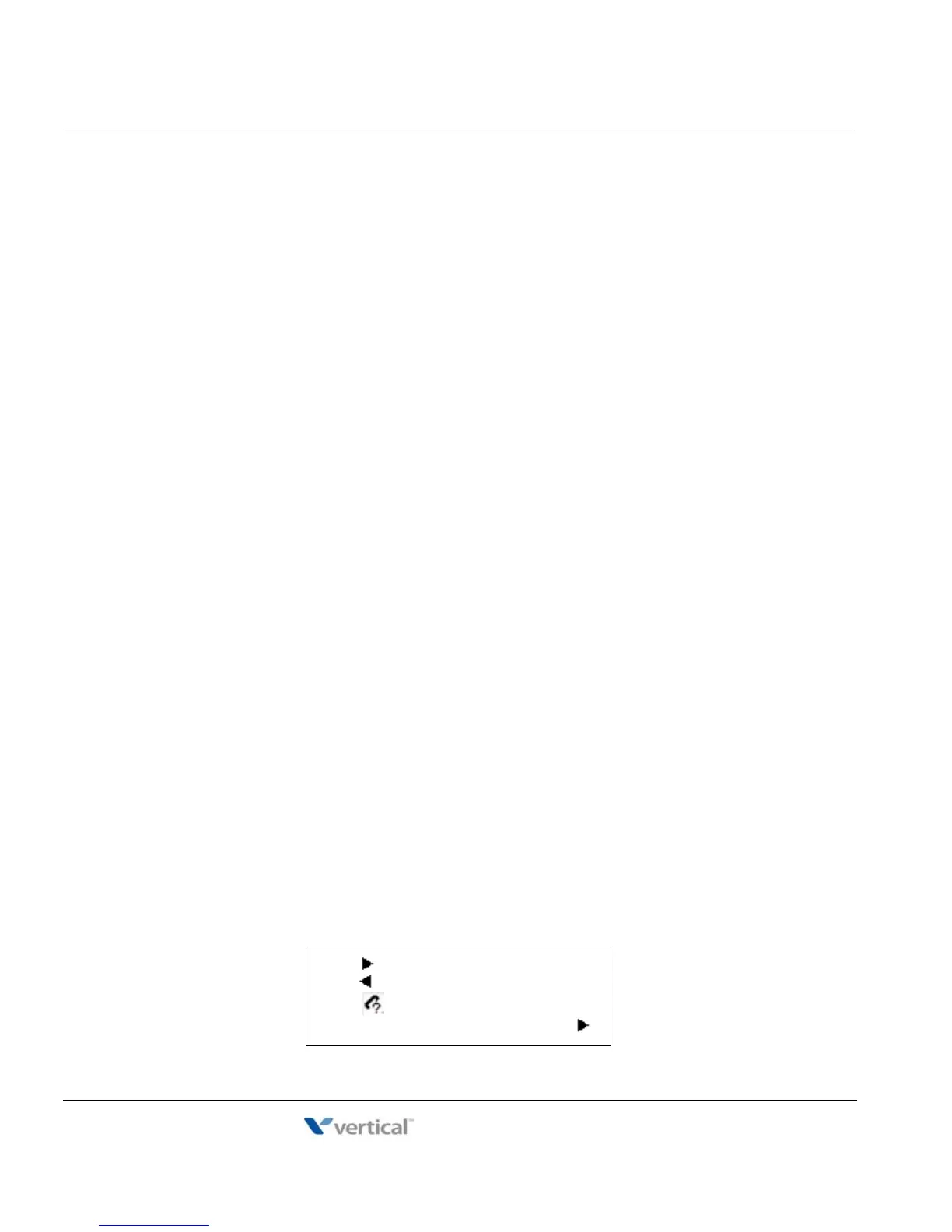
NOTE: if a call is missed, the LOG Soft button will be displayed as LOG (M); the missed call icon also
will appear on the LCD (IP-8024).
To access the Call Log menu:
1. Press the LOG Soft button,
2. Using the Navigation up/down keys to view items (Called, Dialed, or Lost),
01. CO1 01112345678
02. 101
03. CO2 JONES K D
BACK SELECT SEND



 To Next Page