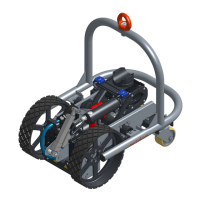
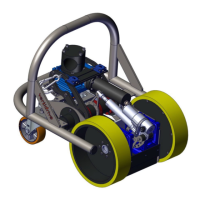
23
M7 – 11.607
User manual
www.vertidrive.nl
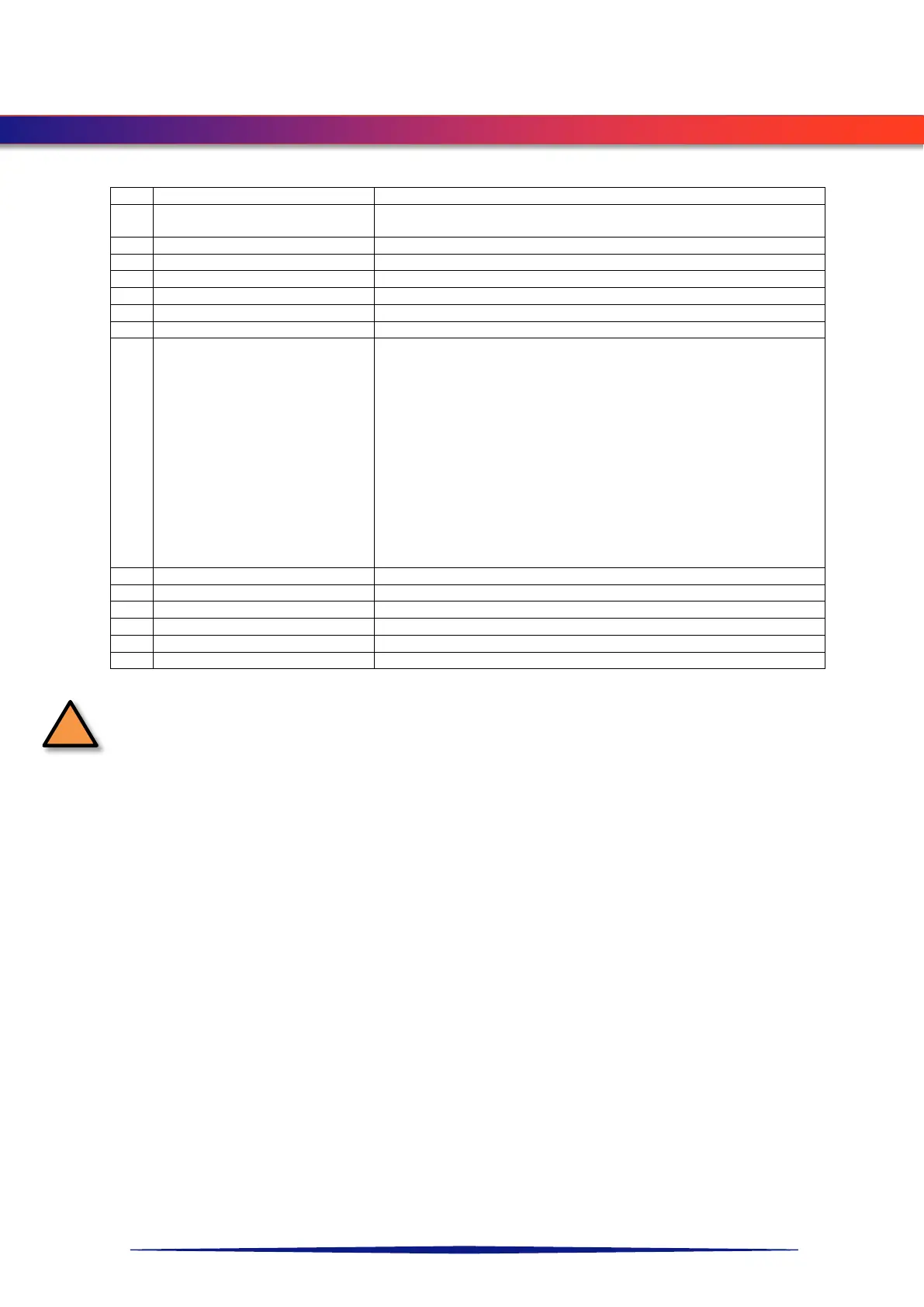
On/Off switch /
Safety key.
For turning on the remote control, turn clockwise. Remove key to
prevent unexpected starting of system.
To Connect remote control with the control box.
To adjust swing arm speed
Swing arm up down control
To select usage and setting of step control
• System is powered.
Operation:
Press the button in case of emergency.
To unlock the button, pull it out while turning clockwise.
Result:
• All movements from the robot and winche
immediately;
• All the adjacent equipment, connected to the robot system will
be turned off as well;
• The magnetism will not be influenced.
To adjust driving direction of the robot
To use spot blasting (return swingarm immediately)
To select left/right/both winch(es)
To position winches for optimum fall protection
Check if the key of the remote control nr. 1 (see NOVA XL Remote control) is removed during
inspection/maintenance.
With key removed there’s no risk of unexpected operation of the system.


 To Next Page