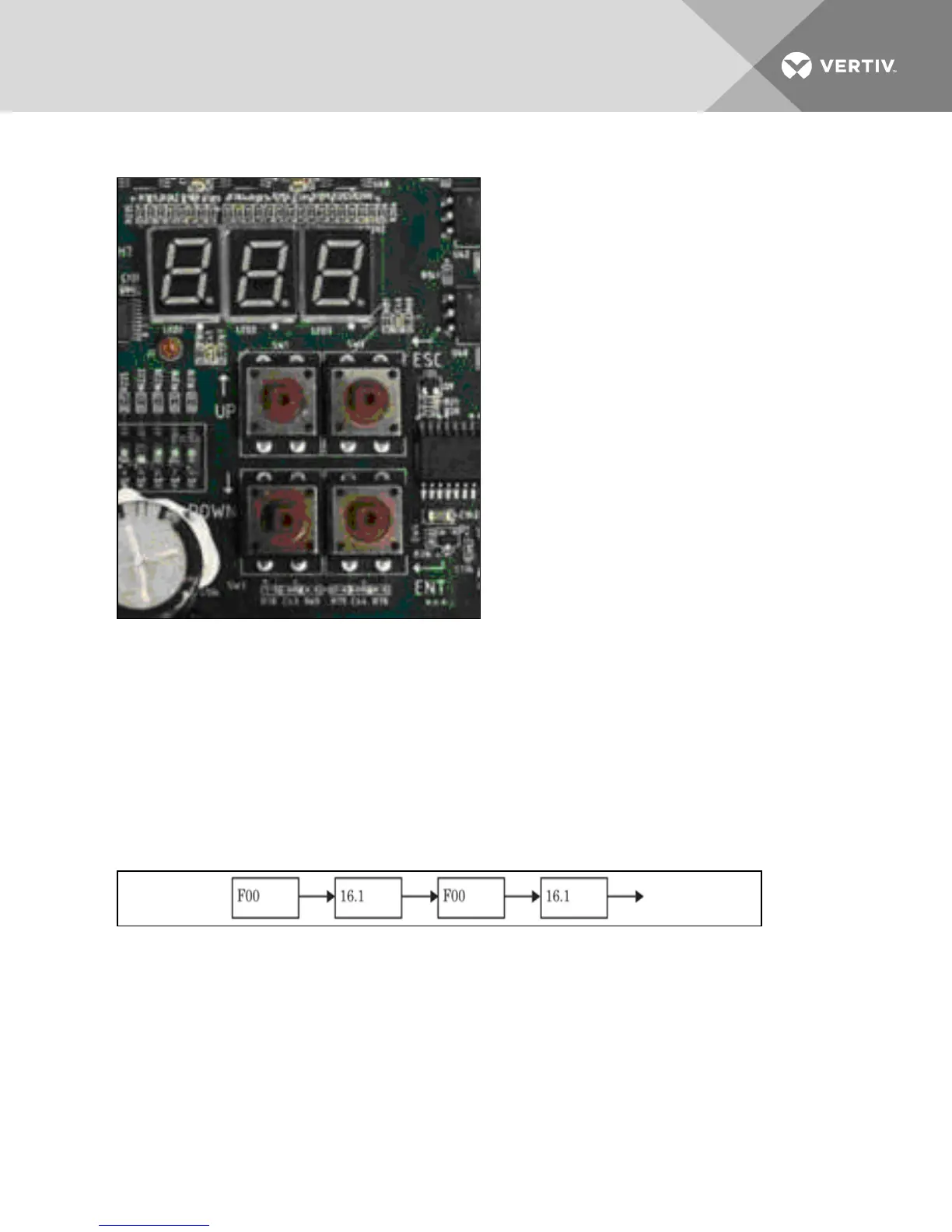
Figure 9.2 Premium Efficiency Control Interface - Human Machine Interface (HMI)
The Premium Efficiency Controls are factory-configured for refrigerant type and whether the condenser
was sold with or without a Liebert Lee-Temp™ or Liebert DSE system. No field-configuration is necessary
for proper and efficient condenser operation.
9.1.1 Initial Screen Upon Power-On
The controller displays the initial screen after it is powered On. The initial screen shows the first item of
analog signals menu. The F00 and value of condenser pressure 1 are displayed alternatively and F00
means the item ID of condenser pressure 1. The display sequence is shown Figure 9.3 below. In the figure,
16.1 is an example and the value is dependent on the sampling result.
Figure 9.3 Initial controller display
9.1.2 Main Menu Description
In initial screen, presses ESC key, the LED enters the first menu of the main menu. The main menu
includes four menus:
• Analog Signals Menu
• Active Alarms Menu
• History Alarms Menu
• Configuration Menu
Vertiv | Liebert® MC™ Installer/User Guide | 91



 To Next Page