i
Vertiv™ | Liebert® PSI5 120V Input / 120V Output & 208V lnput / 208V Output Installer/User Guide
Table of Contents
Important Safety Information..............................................................................................................................................1
1 PSI5 Description ....................................................................................................................................................................................... 3
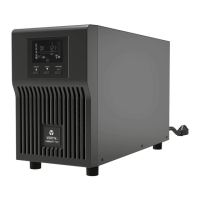
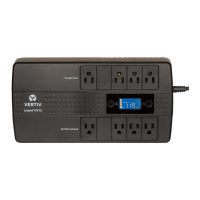
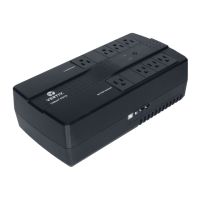
1.1 Available Models ...................................................................................................................................................................................................................3
1.2 Rear Panels Views ..............................................................................................................................................................................................................................4
1.3 Front Panel ................................................................................................................................................................................................................................7
2 Installation ...........................................................................................................................................................................................9
2.1 What’s Included ....................................................................................................................................................................................................................9
2.2 Unpacking and Inspection.....................................................................................................................................................................................10
2.3 Preparation for installation ....................................................................................................................................................................................................10
2.3.1 Installation Environment ...........................................................................................................................................................................10
2.3.2 Installation Clearances ..............................................................................................................................................................................10
2.4 Installing the UPS ..........................................................................................................................................................................................................................................10
2.4.1 Installing a 2U Model ...................................................................................................................................................................................10
2.4.2 Installing a 1U Model ...................................................................................................................................................................................13
2.4.3 Installing a Mini Tower (MT) Model .............................................................................................................................................14
2.5 Connecting Loads ..........................................................................................................................................................................................................14
2.6 Connecting for Network Protection (optional) .................................................................................................................................14
2.7 USB Connection ...............................................................................................................................................................................................................14
2.8 Emergency Power O (EPO) Connection (Optional) ................................................................................................................. 14
2.9 External Battery Cabinet Connection on 2U Models (Optional) ..................................................................................... 14
2.10 Network Communication Card Connection (Optional) ...........................................................................................................15
2.11 Connecting AC Input ................................................................................................................................................................................................16










 To Next Page