Chapter 2 Hardware Installation
RDU501 Intelligent Monitoring Unit User Manual
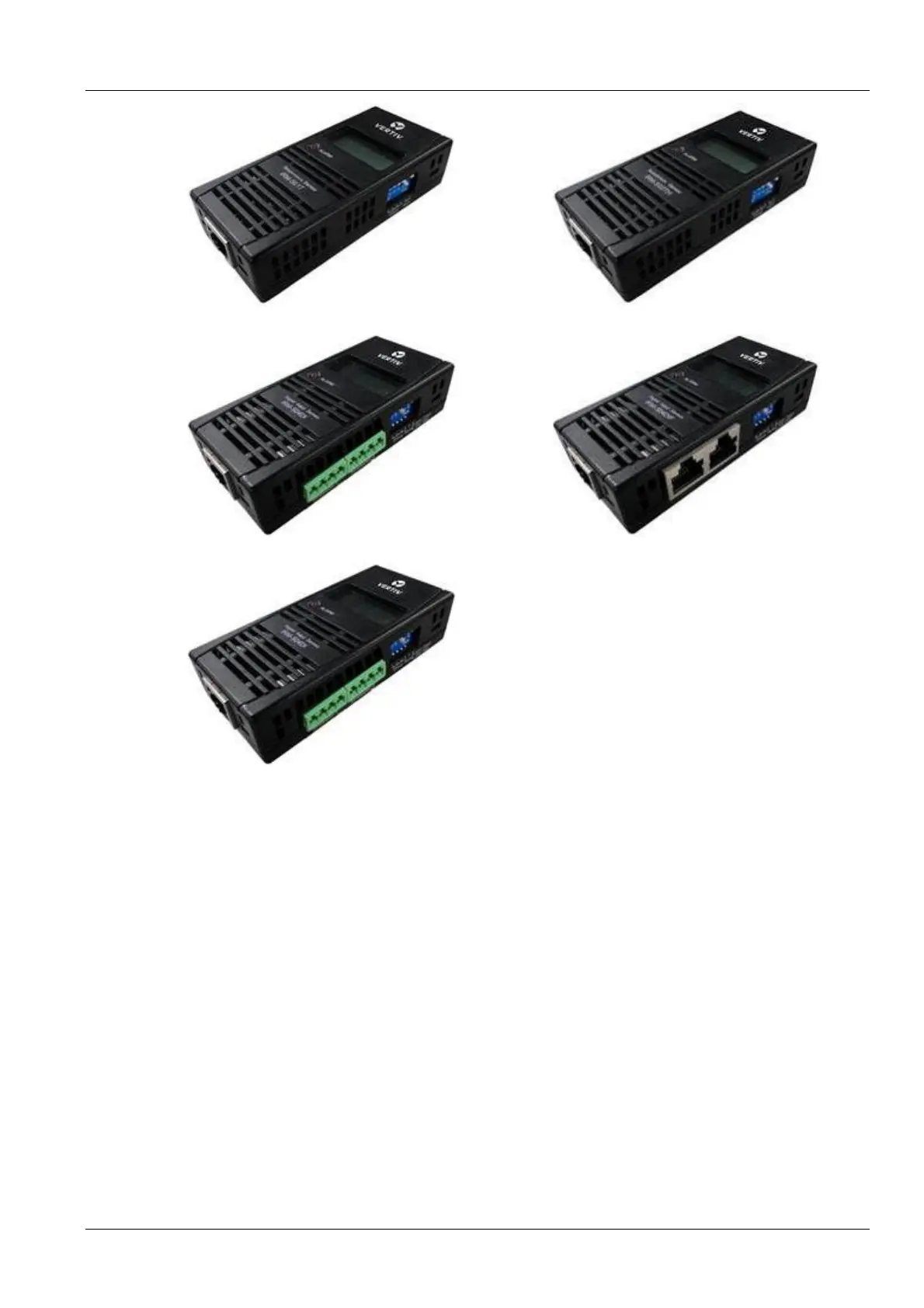
RM-S01T IRM-S02TH
IRM-S04DI IRM-S04DIF
IRM-S04DO
Figure 2-5 Intelligent sensors
Installation procedures
The installation procedures for smart sensors can be found in the user manual for the corresponding intelligent
sensor:
IRM-S01T can be found in the IRM-S01T Intelligent Temperature Sensor User Manual;
IRM-S02TH can be found in the IRM-S02TH Intelligent Temperature and Humidity Sensor User Manual;
IRM-S04DI can be found in the IRM-S04DI Phoenix Interface Intelligent Digital Input Sensor User Manual;
IRM-S04DIF can be found in the IRM-S04DIF RJ45 Port Intelligent Digital Input Sensor User Manual;
IRM-S04DO can be found in the IRM-S04DO Phoenix Port Intelligent Digital Output Sensor User Manual.
IRM-THD can be found in the IRM-THD User Manual.
2.3.3 Connect physics sensor
The physics sensors include: smoke detector, flood sensors, infrared sensors, and door magnetic switches.
There are two methods to connect the smoke detector, flood sensors, infrared sensors, and door magnetic switches:
Directly connect the DI port on the front panel of the RDU501 (Silk Screen Printing is DI1, DI2, Smoke1, and Smoke2,
each port can be arbitrarily connected to one of smoke detector, flood sensors, infrared sensors, and door magnetic
switches). The wiring sequence is shown in Table 1-14.



 To Next Page