Chapter 3 Web Interface of RDU501
RDU501 Intelligent Monitoring Unit User Manual
Control signal
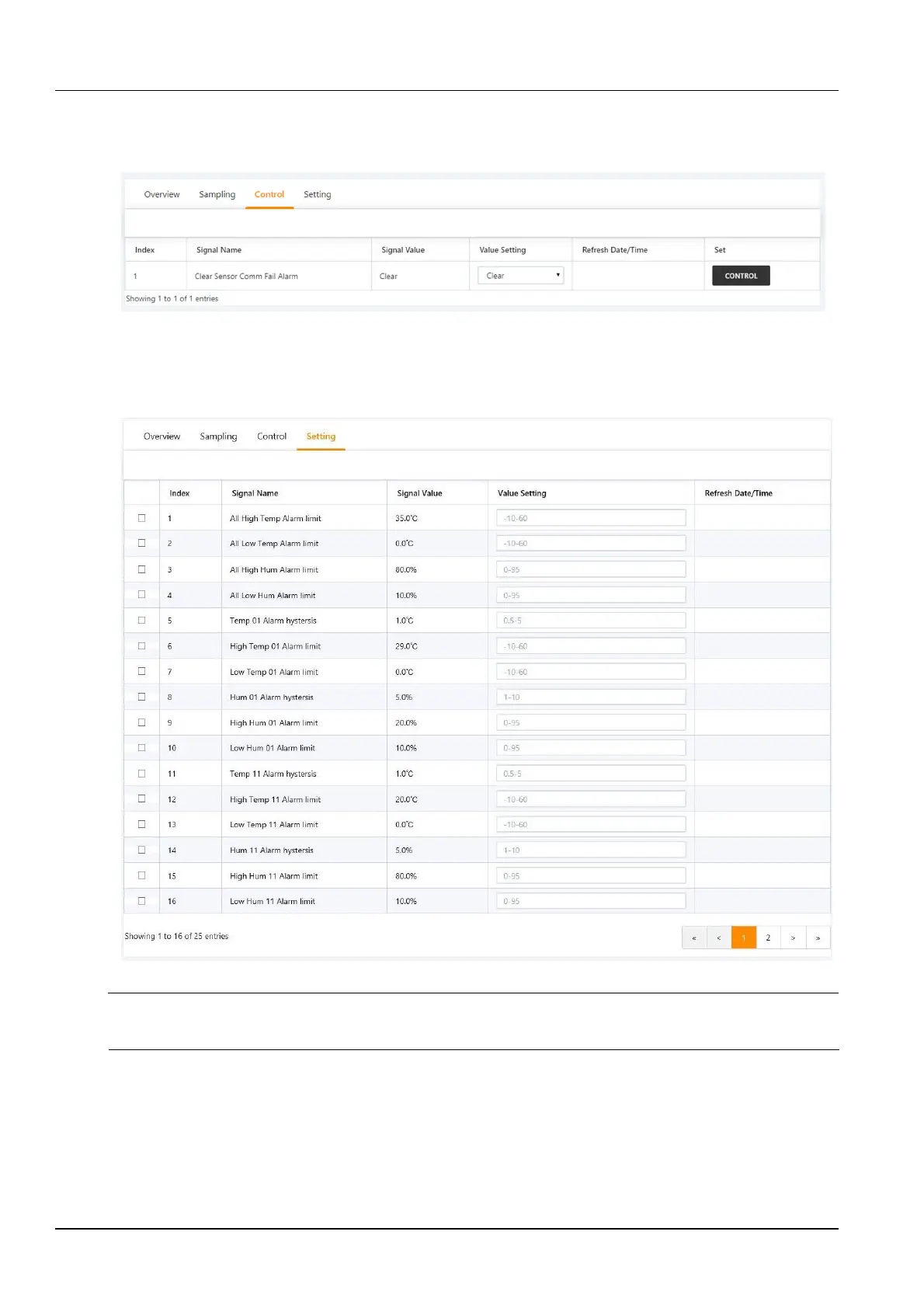
Click the Control Signal tab to enter the Control Signal page to display the control signals for the selected device.
Click the Control button to control the device, as shown in Figure 3-15.
Figure 3-15 Control signal
Set signal
Click the Set Signal tab to enter the signal setup page to display the setup signal for the selected device, as shown in
Figure 3-16.
Figure 3-16 Set signal
Note
Batch settings can be made for signals by checking multiple check boxes, and 16 signals can be set in maximum batch size at a
time.
3.4.2 Security Management
Security Management monitors and manages the security of the cabinet through video surveillance, access control,
and fire fighting management functions.
In the RDU501 homepage, click on the Security Management menu to see three submenus, including: Access
Control, Fire Fighting Management, and Video Management.



 To Next Page