Chapter 3 Web Interface of RDU501
RDU501 Intelligent Monitoring Unit User Manual
5.
Display the last 10 current alarms of IPMI.
6.
Display the last 10 events of the console device.
3.3.3 Time calibrating link
The RDU501 system time is displayed at the top right of the page. Clicking on the system time will jump to the time
calibration page. For details, see Time Calibration in section 3.4.9 System setting.
3.3.4 Release timeout
When the page has not been operated for more than 15 minutes or only browsing are performed, the page becomes
uncontrollable and the controllable state becomes "disabled". At this point, the user can only browse and cannot
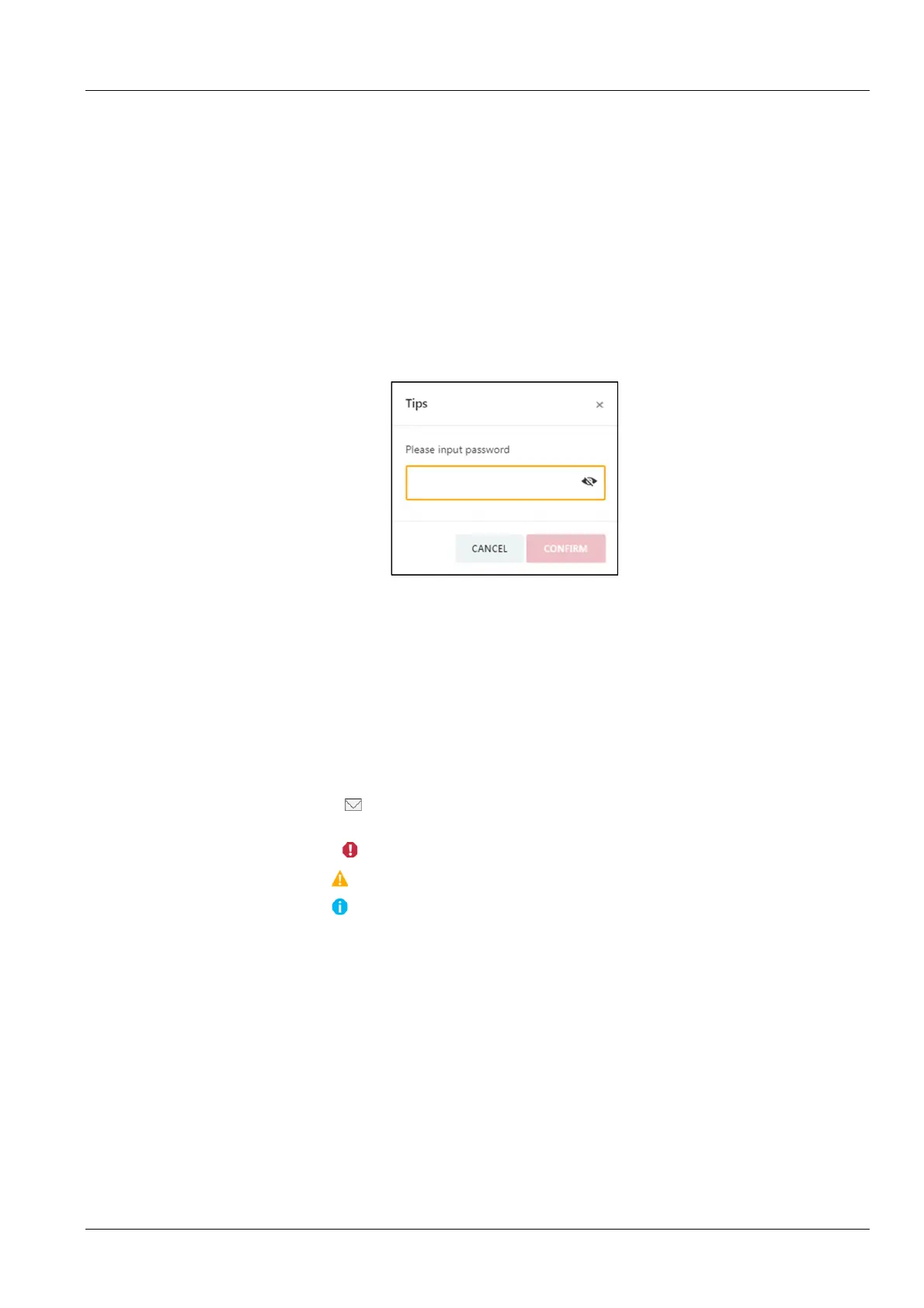
modify or edit. Clicking the Disable link will bring up the input box shown in Figure 3-10. After entering the current
user's login password and click the Confirm button, the controllable status will return to "Enable".
Figure 3-10 User security verification dialog
3.3.5 Logout
Click the Logout button in the upper right corner of the homepage, and the prompt “Are you sure you want to log
out?” will pop up. Click the OK button to exit safely.
3.3.6 Real-time alarm reminder settings
The number of real-time alarms is displayed in the upper right corner of the system home page. You can perform the
following operations as shown in Figure 3-4:
1.
Click the IT Event/Alarm icon to display the number of events in the console for the last 3 days and the
number of IPMI device alarms.
2.
Click the Critical Alarm icon to display the critical alarm list.
3.
Click the Major Alarm icon to display a list of major alarms;
4.
Click the Minor Alarm icon to display the minor alarm list.
5.
The new alarm sound defaults to the “Mute” state. Click the "Mute" link to set the new alarm tone to "Open", when
the system has a new alarm, it will play an alarm sound.
3.4 Menu Items
In RDU501, menu items include Homepage, Device, Security Management, IT Management, Thermal
Management, Power Management, Data Management, Smart Solution Modeling, Configuration Management,
and System Settings.
3.4.1 Device
Click on the first level menu Device, the second level menu will display all the currently installed device types, click
on the device type, and the content area on the right side will display all devices of that type. The device is displayed



 To Next Page