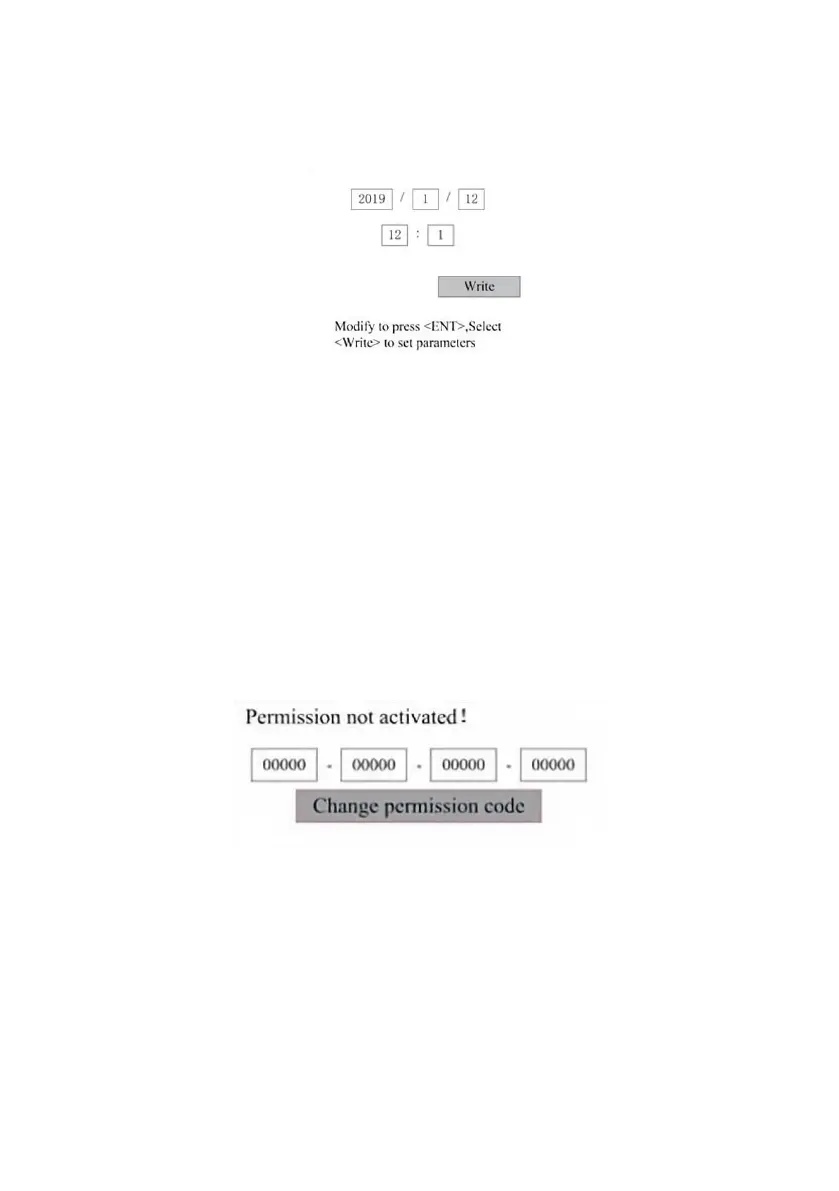
SET THE DATE AND TIME OF THE MACHINE.
In the Controller Settings submenu, select Time Settings+ to display the
left interface:
Select and adjust parameters by pressing the arrows. When you're done
adjusting, move the cursor to Write and press ENT to save the parameter
changes, or press ESC to exit without saving. Reading can load saved
parameters.
AUTHORIZATION MANAGEMENT AND KEYBOARD LAYOUT.
Your engraver should already be authorized and ready to go. If you
purchased your engraver through a rental program and have not yet
received a license code, please contact Customer Service. Enter it by
going to the main menu and selecting Permissions. The left interface will
pop up.
Press ENT once to select the first field, and then press ENT again to bring
up the left keyboard.
Use the arrow keys and ENT to select the right characters. If there are any
errors, press ESC and then ENT to re-enter the field. Use the arrow keys to
move to a different input field and enter its contents in the same way. Once
all the fields have been entered correctly, select Change Permission Code
and press ENT to leave this screen and return to the main menu.



 To Next Page