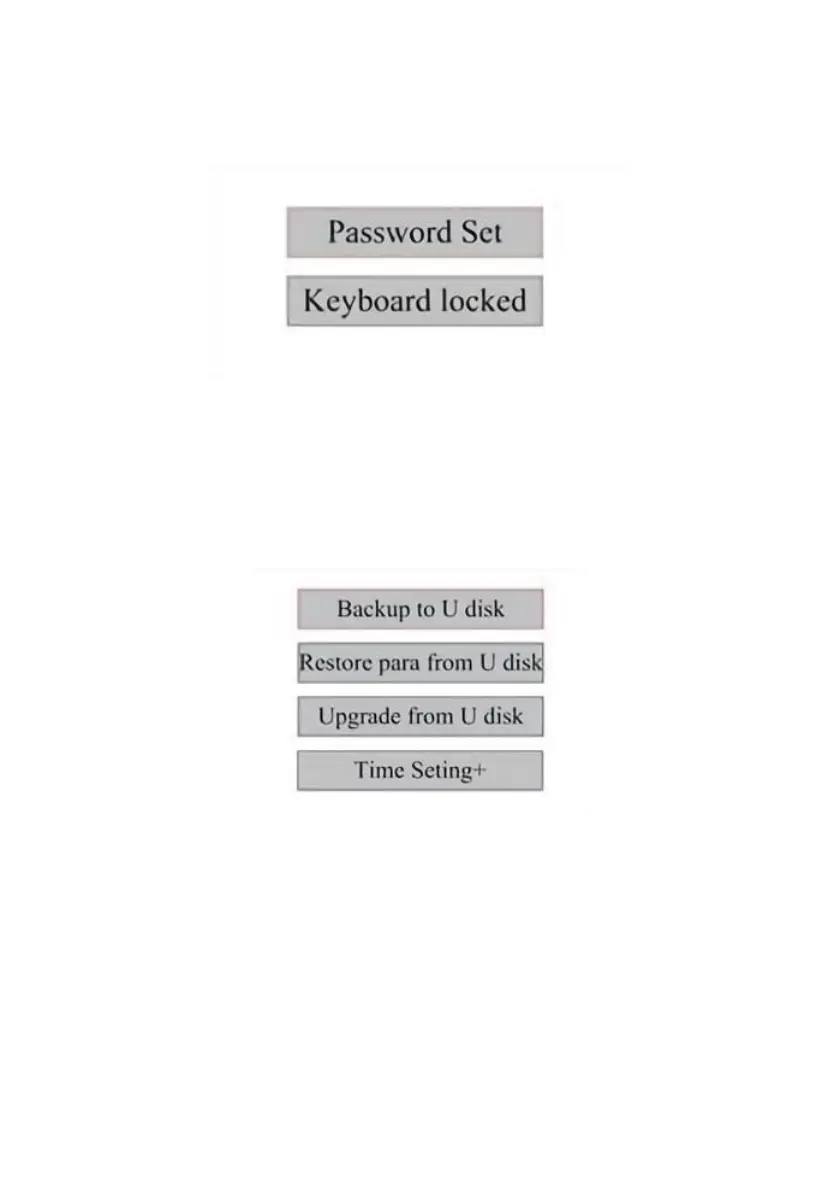
SET THE INTERFACE PASSWORD.
When the cursor is on the panel lock, press ENT, and the left dialog box will
pop up:
Press the ▲ and ▼ keys to select the item. When the blue cursor is over
the target item, press ENT to enter the corresponding interface.
BACKUP AND RESTORE PARAMETERS.
In the main menu, select Controller Settings to display the left screen:
Back up to USB flash drive: Save the current parameters to a USB flash
drive.
Recover Parameters from USB Flash Drive: Recover saved parameters
from a flash drive.
Upgrade from USB flash drive: Upgrade the controller software from a
flash drive.



 To Next Page