7
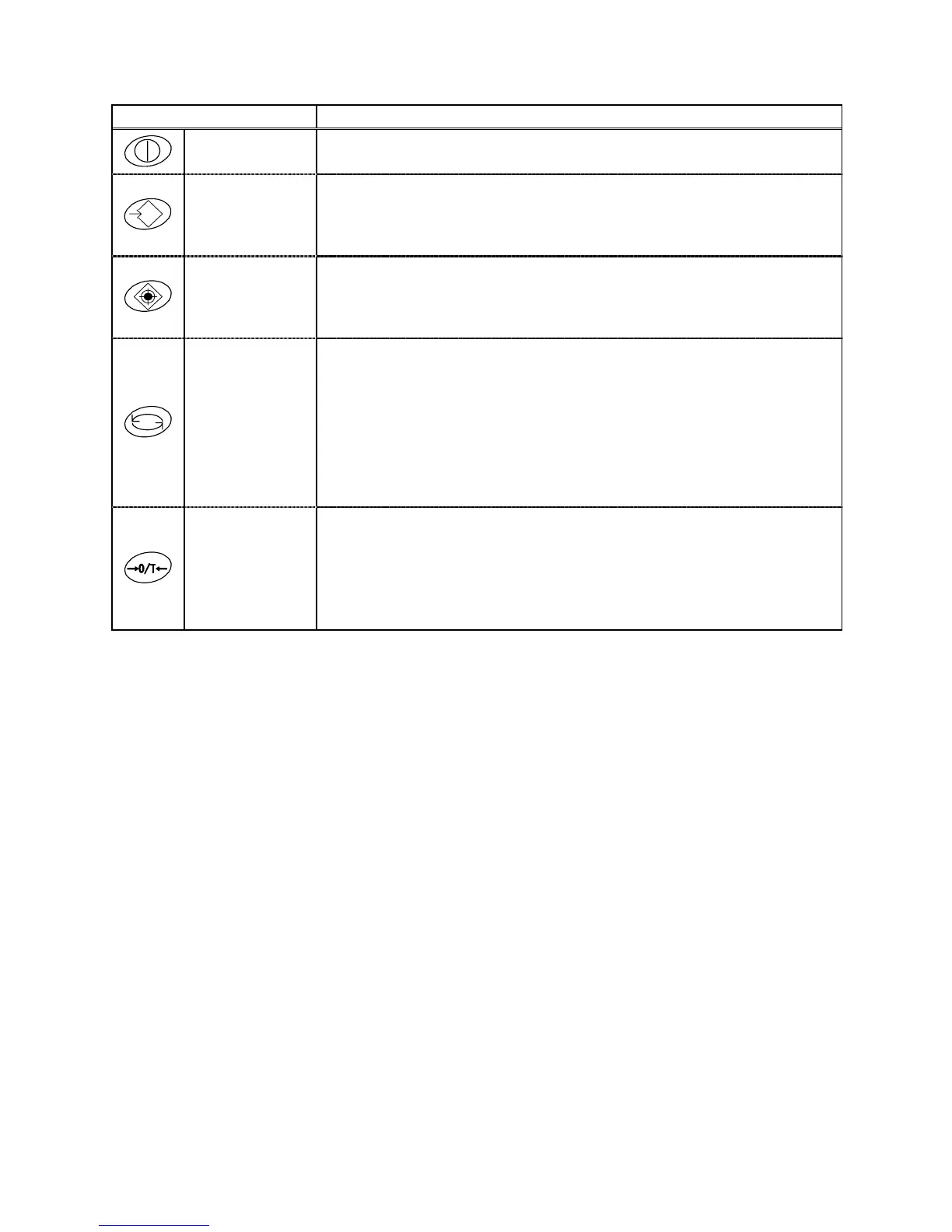
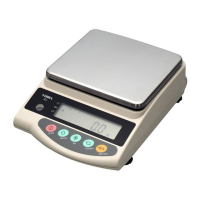
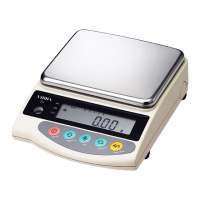
2.2.2 Names and Functions of Operating Keys
Operating Key Function
On/off key
Key to turn on/off the unit power
Memory key
[Brief press] initiates print or output.
[Brief press] saves the settings of the number of pieces
or percentages (%), or the limit value when
using the limit function.
Set key
[Brief press] starts setting the number of pieces or
percentages (%).
[Continuous press] starts setting the limit value when using the
limit function.
Function key
[Brief press] toggle-switches the units to be displayed in
succession (
g, Pcs, %, etc.).
[Brief press] moves the flashing digit in the setup of a
limit value when using the value input
method.
[Brief press] selects an item when setting the function.
[Continuous press] invokes various functions.
[Longer continuous press] invokes span adjustment.
Zero/Tare key
[Brief press] resets the indication to zero when using
zero-point setup or tare subtraction.
[Brief press] selects a value with the value input method
when using the limit function.
[Brief press] selects a function when operating the
balance in the function mode.



 To Next Page