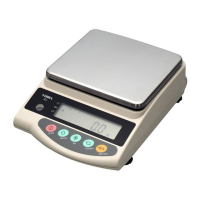
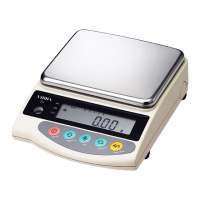
9
3.2 Operation Check
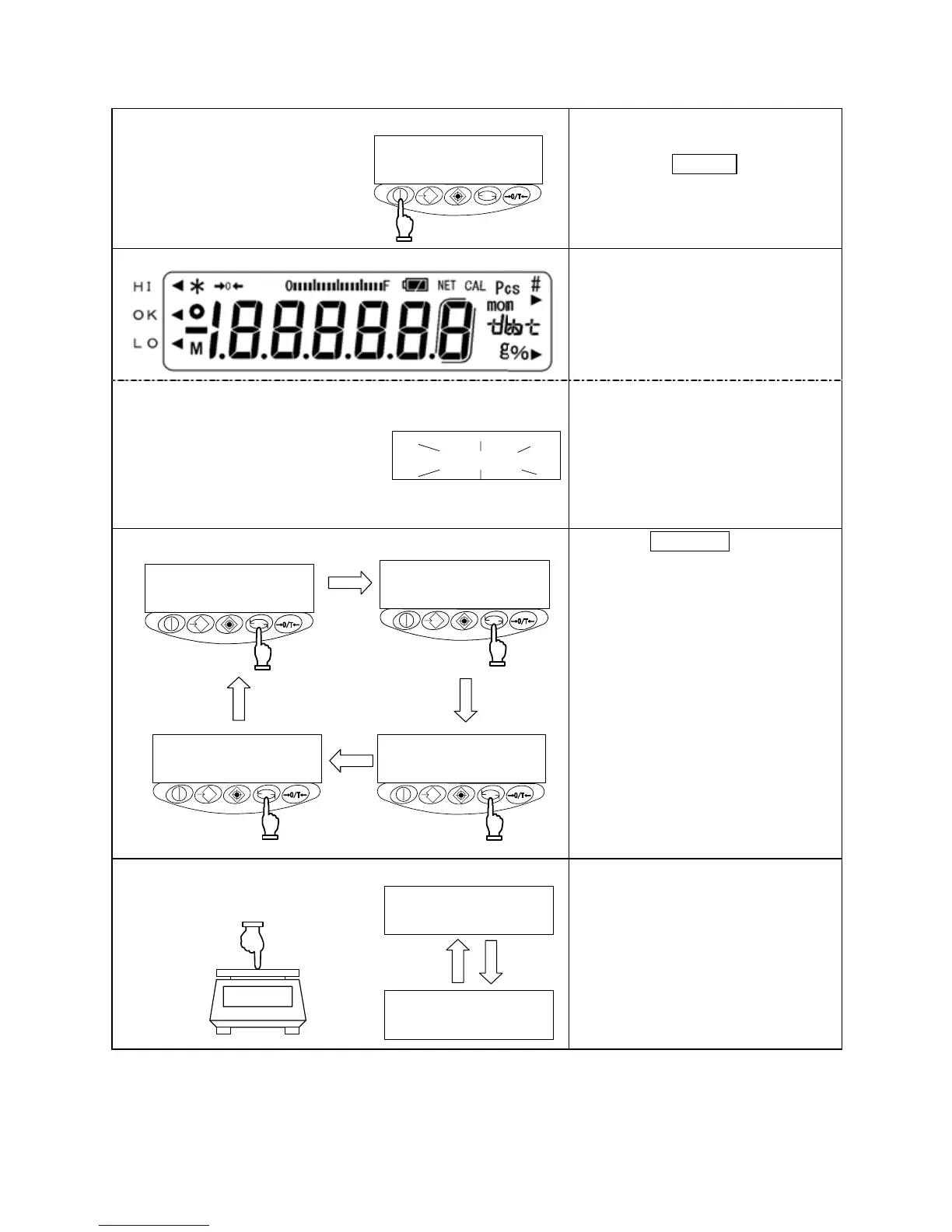
1 Turning on the power
*
When the balance has the AC
adapter connected, it displays [*].
Pressing the On/Off key
The display section lights up, and
the balance is ready for operation.
2 Checking the display
Check to see if the display has any
missing indications or unlit parts.
A few seconds after startup, the
indication is reset to zero.
(When lock switch is set on)
After every segment lights,
If something is loaded, the display
does not change [ ] In this
case, remove the load.
3 Switching the measurement mode
Press the Function key.
Each time the key is pressed, the
unit of measurement changes, as
indicated.
※The balance is shipped from the
factory with the following switching
sequence: [g] → [ct] → [Pcs] →
[%] → [g] → · · ·
4 Verifying changes in the read-out indicator
g
g
Press the measurement pan lightly
and make sure that the read-out
indicator changes.
Also, ensure that the read-out
indicator is reset to zero when you
release your hand.
Pcs
%
g



 To Next Page