13
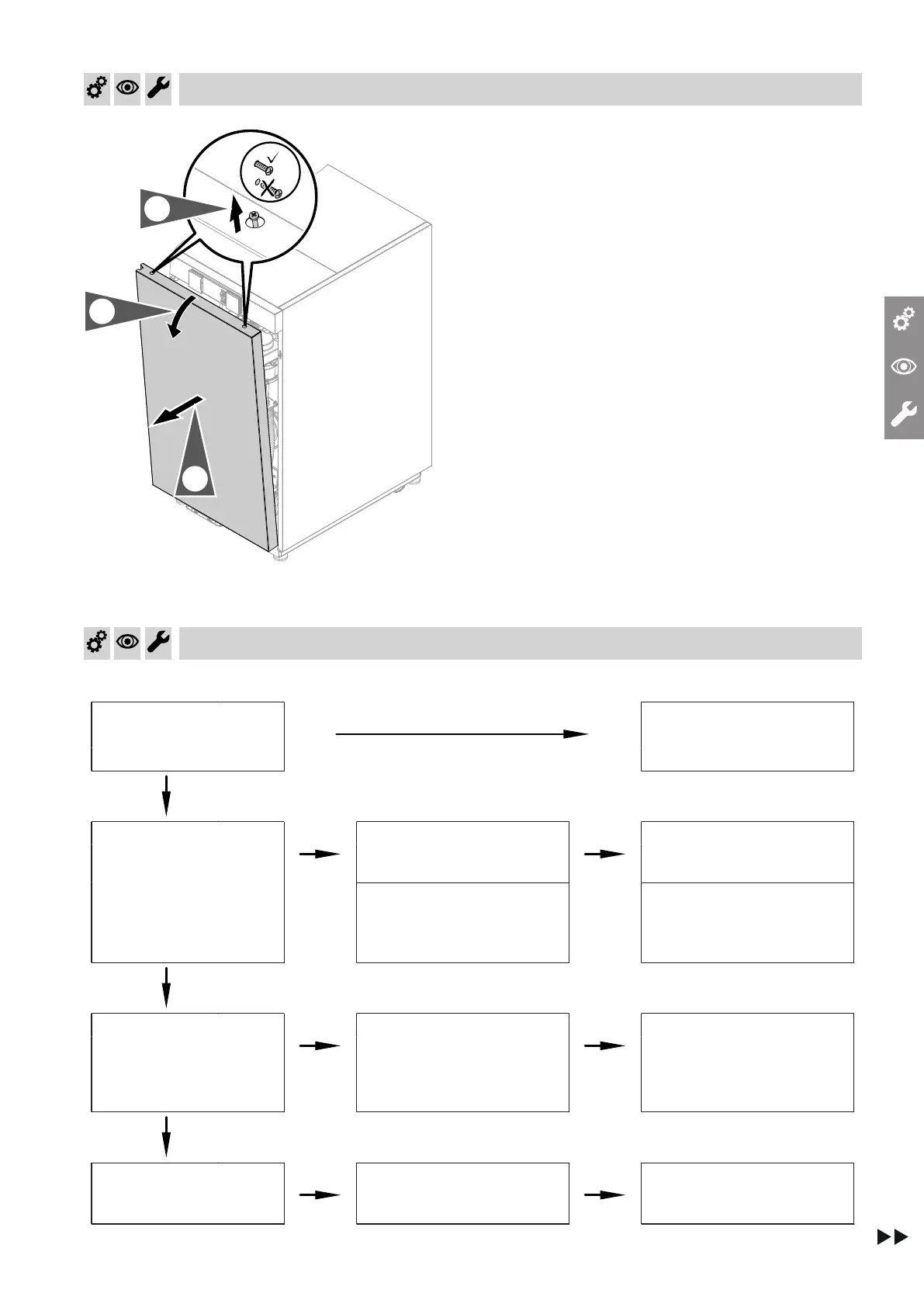
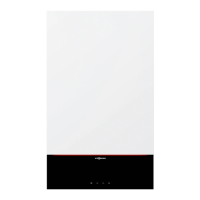
Fig. 2
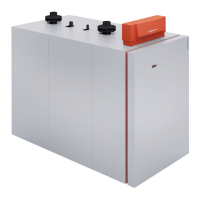
1. Tip the front panel forward slightly at the top.
2. Undo the locking screws until the front panel can
be removed.
Function sequence and possible faults
Shown on display Measure
Control unit issues a heat
demand
No
Increase set value. Ensure
heat transfer.
Yes
Fan starts
No
After approx. 51 s fault F9
Check the fan, fan connect-
ing cables, power to the fan
and fan control.
Burner blocked and 3 is dis-
played in code 38. (Coding
level 2/boiler)
Check the connecting cable,
combustion chamber pres-
sure switch and water pres-
sure switch.
Yes
Ignition
No
Fault EE
Check the ignition electrode
and ignition module (control
voltage 230 V across plugs
"X2.1" and "X2.2"). Check
the gas supply.
Yes
The gas train opens.
No
Fault EE
Check the gas train (control
voltage 230 V∼); check the
gas supply pressure.
Commissioning, inspection, maintenance
Removing the front panel
5839829




 To Next Page