50
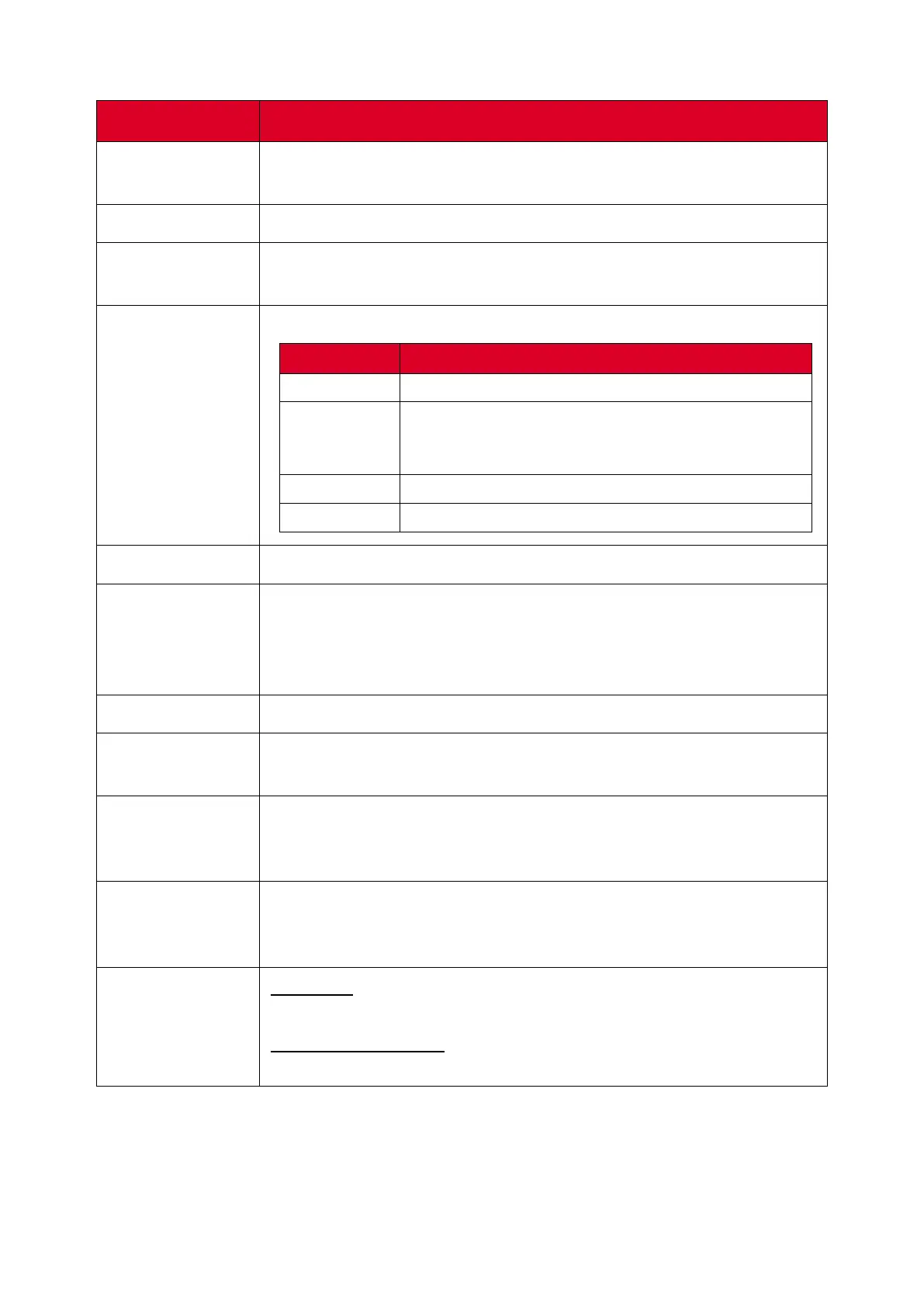
Display Settings - Menu Options
Item
Descripon
Auto Brightness
Automac brightness adjustment. Adjusts maximum brightness
according to ambient light levels.
Energy Star
Enable to reduce power consumpon.
Low Blue Light
Adjusts the lter that blocks high-energy blue light for a more
comfortable viewing experience.
Picture Mode
Select a predened picture seng.
Mode Descripon
Standard Default picture mode.
Bright
Maximizes the brightness of the display. This mode
is suitable for environments where extra-high
brightness is required (e.g., well-lit rooms).
Brilliant A high brightness level with lower contrast level.
Custom Customize the picture sengs.
Scale
Adjust the size of text, applicaons, and other items.
Contrast
Adjusts the dierence between the image background (black level)
and the foreground (white level). Use this to set the peak white
level aer you have previously adjusted the Brightness seng to
suit your selected input and viewing environment.
Tone
Adjust the color tone value.
Sharpness
A high value results in a sharper picture; a low value soens the
picture.
Color
Temperature
Mode
Adjust the color temperature value.
VGA Seng
(for VGA input
only)
Adjust the analog picture sengs when connected via the VGA
port.
Advanced
Seng
HDMI Out
Toggle HDMI Out support ON or OFF.
HDMI Out Resoluon
Set the display resoluon for HDMI Out connecons.




 To Next Page