19
7.2.1
Press twice the
pushbutton : d01 is
displayed.
Set the desired number of
days pressing the
pushbutton or (from 1
to 99 days).
Note
The day in which the setting is done is included in the countdown and
is considered a whole day.
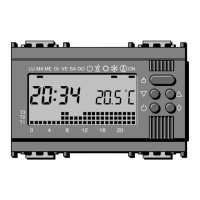
MALU
048121620
ME GI VE SA DO ON
T3
T2
T1
7.1.2
Press the pushbutton if
you wish to restore the
AUTOMATIC operating
mode before the end of the
countdown.
MALU
048121620
ME GI VE SA DO ON
T3
T2
T1
7.2 Programming by days
Make sure the MANUAL operating mode is in use and set the
desired temperature (see paragraph 6).
18
7.1.1
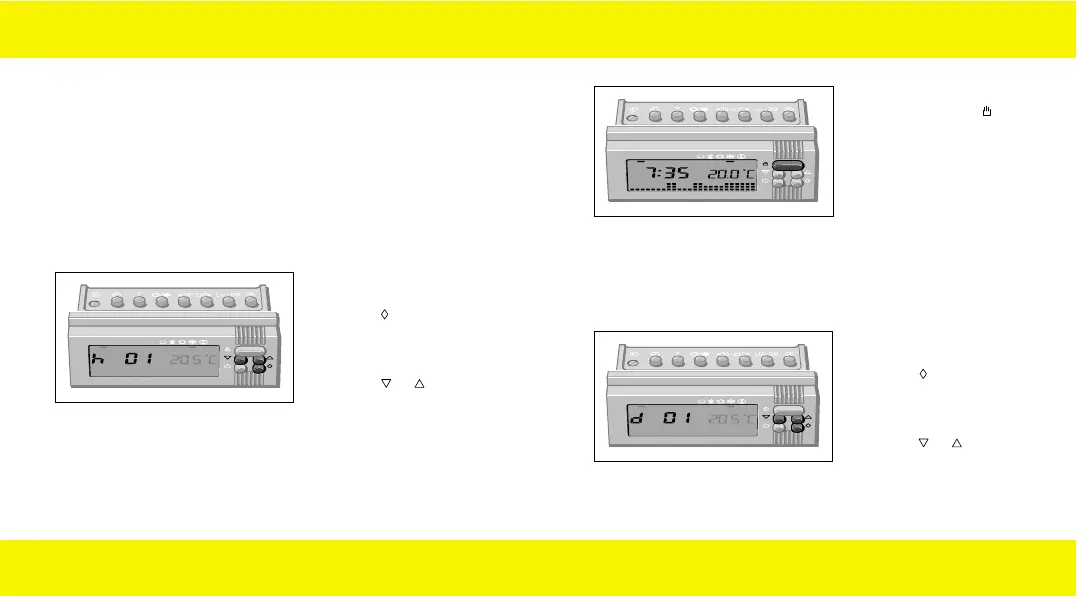
Press once the
pushbutton : h01 is
displayed.
Set the desired number of
hours pressing the
pushbutton or from 1 to
99 hours).
Note
The hour in which the setting is done is included in the countdown
and is considered a whole hour.
7. TIME-DELAY MANUAL operation
If you wish to keep the manual temperature for a certain time (hours
or days), you can use the TIME-DELAY MANUAL operation: once
the desired time has been set, the equipment starts a countdown
and after that the AUTOMATIC operating mode is restored.
7.1 Programming by hours
Make sure the MANUAL operating mode is in use and set the
desired temperature (see paragraph 6).
MALU
048121620
ME GI VE SA DO ON
T3
T2
T1
90716577.L.E 19-09-2003 8:49 Pagina 18


 To Next Page