17
6. MANUAL operation
Use the MANUAL operation if you wish a temperature different
from the preset one, without any other change of the program in use.
MALU
048 1620
ME GI VE SA DO ON
T3
T2
T1
12
6.1 MANUAL operation
Press the pushbutton : the
diagram of the program in use
disappears from the display
and, in its place, the preset
temperature is displayed (the
equipment is delivered with a
preset temperature of 20 °C).
Set the desired temperature (from 2 °C to 35 °C) with the
pushbutton or .
The new temperature value will be kept until a new temperature or a
new operating mode is selected.
The ambient air temperature will be displayed about 5 seconds after
the last setting.
To verify, at any moment, the set temperature value, press twice the
pushbutton .
16
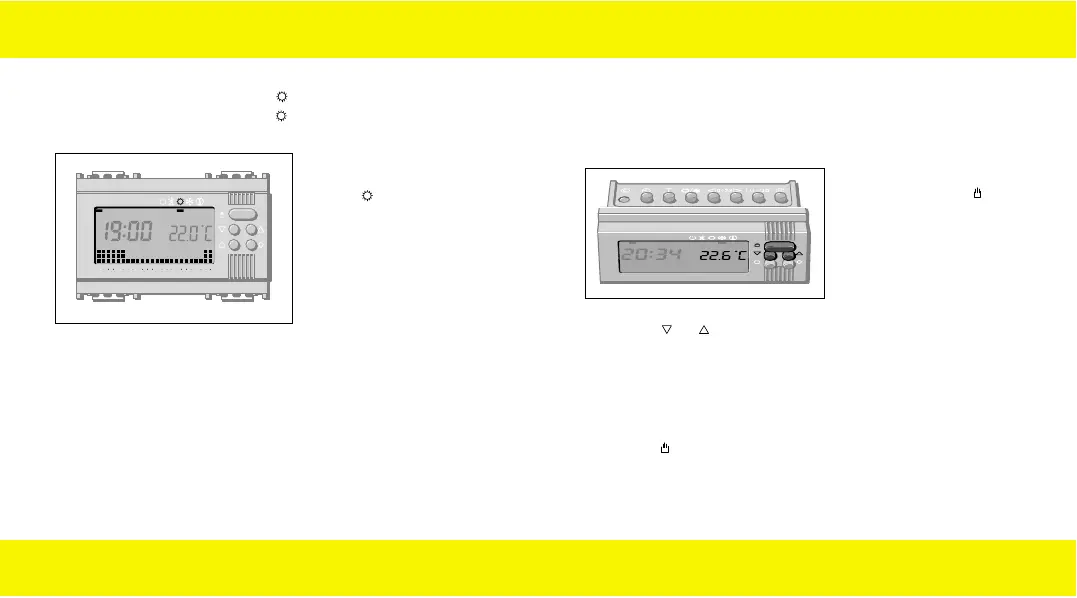
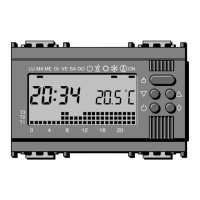
5.2 AIR-CONDITIONING program
The AIR-CONDITIONING program provides a single thermic cycle
for the whole week.
MALU ME GI VE SA DO ON
048121620
T3
T2
T1
5.2.1
AIR CONDITIONING
program : thermic cycle
for the whole week.
Temperature levels:
T1 24 °C
T2 26 °C
T3 28 °C
Note
If these preset standard programs meet your requirements, the
chronothermostat is ready for use, without any further
operation.
If this is not the case, follow the instructions of the next
paragraphs.
90716577.L.E 19-09-2003 8:49 Pagina 16


 To Next Page