MALU
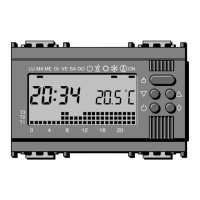
048121620
ME GI VE SA DO ON
T3
T2
T1
16.1.1.1
Press once the
pushbutton : h01 is
displayed.
Set the desired number of
hours pressing the
pushbutton or (from 1
to 99 hours).
Note
The hour in which the setting is done is included in the countdown
and is considered a whole hour.
16. Time-delay exclusion of the installation
The time-delay exclusion operation is used to exclude the installation
for a certain time (hours or days): once the desired time has been
set, the equipment starts a countdown and after that the
AUTOMATIC operating mode is restored.
16.1 Time-delay exclusion of the HEATING PROGRAM
Exclude the heating installation as indicated in paragraph 15.1.
16.1.1 Programming by hours
39
15.2.1
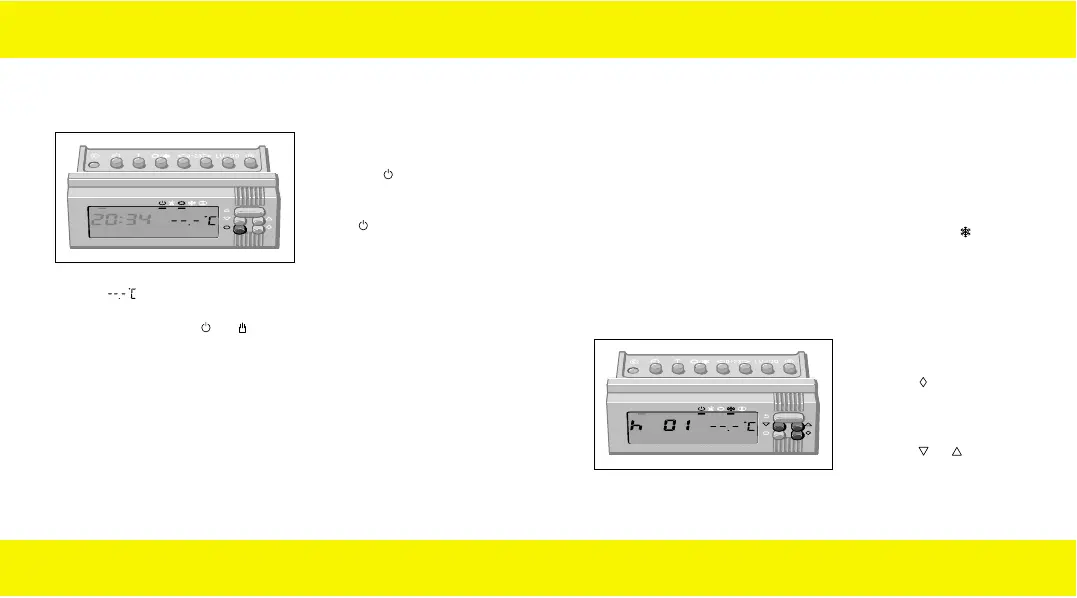
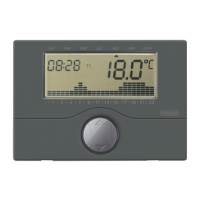
Press once the
pushbutton : instead of
the daily program diagram,
the indicator under the
symbol is displayed,
confirming the exclusion
of the temperature control.
The ambient air temperature disappears for about 5 seconds and the
symbol is displayed
Press the pushbuttons or to restore the AUTOMATIC operating
mode.
38
15.2 Exclusion of the installation during the AIR-CONDITIONING
program
MALU
048121620
ME GI VE SA DO ON
T3
T2
T1
90716577.L.E 19-09-2003 8:49 Pagina 38


 To Next Page