9.2
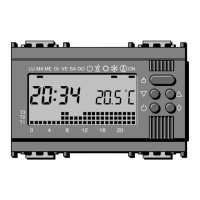
Press the pushbuttons
until the blinking
point in the daily program
diagram matches with
0 o’clock: 0 o’clock will be
displayed; the two points
between the hour and the
minutes figures become still; the temperature displayed takes the value
of the level selected at the time indicated by the blinking point of the
diagram.
24
9. Own setting of the DAILY PROGRAM
Take out the body of the equipment.
MALU ME GI VE SA DO ON
T3
T2
T1
048121620
MALU
048121620
ME GI VE SA DO ON
T3
T2
T1
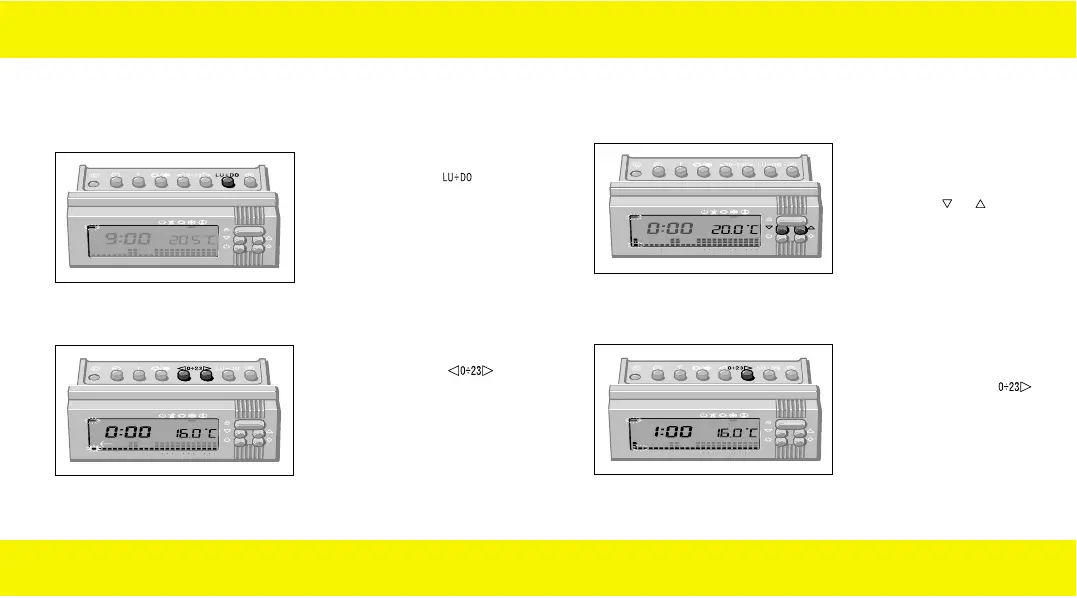
9.1
Press the pushbutton
and put the day indicator
of the display on the LU
position (Monday).
25
MALU
0 4 8 12 16 20
ME GI VE SA DO ON
T3
T2
T1
9.3
Select the desired
temperature level pressing
the pushbutton or
.
MALU
048121620
ME GI VE SA DO ON
T3
T2
T1
9.4
Progress to the next hour
pressing the pushbutton
.
90716577.L.E 19-09-2003 8:49 Pagina 24


 To Next Page