9.6
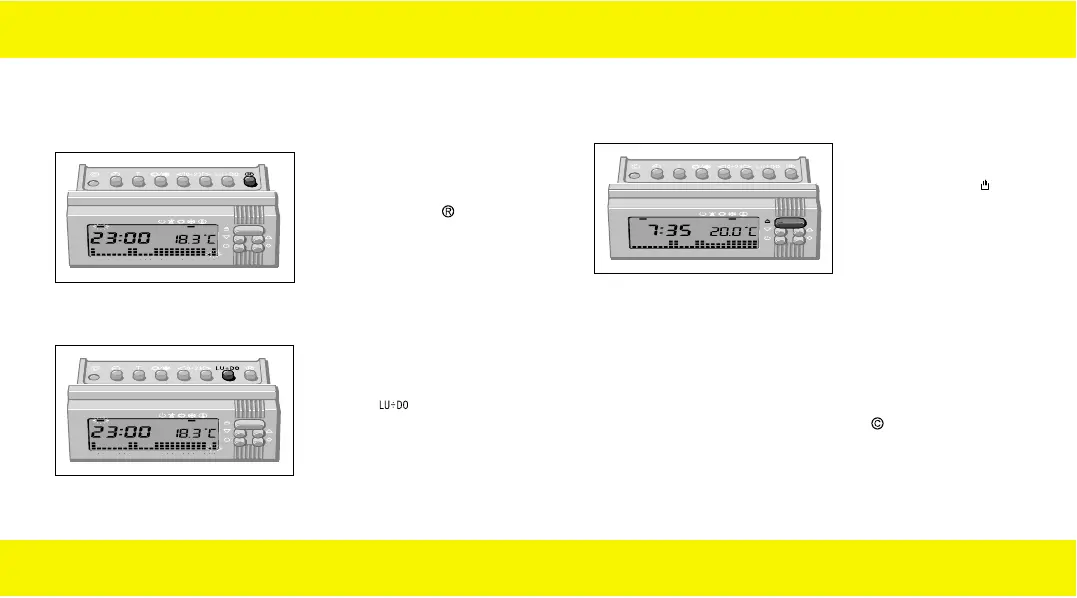
If you wish a different program
for the next days, press the
pushbutton and repeat
the operations indicated in
paragraphs 9.3 and 9.4.
26
Repeat the operations indicated in paragraphs 9.3 and 9.4 until
23 o’clock.
The program setting for Monday is now ended.
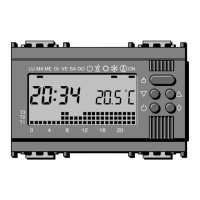
MALU
048121620
ME GI VE SA DO ON
T3
T2
T1
MALU
048121620
ME GI VE SA DO ON
T3
T2
T1
9.5
If the set program is also
suitable for the next days,
press the pushbutton .
27
MALU
048121620
ME GI VE SA DO ON
T3
T2
T1
9.7
At the end of the settings,
press the pushbutton : the
present time and day will be
displayed.
About 10 seconds after the
last setting, the equipment
automatically ends the
operation, storing all the
settings.
Insert again the body of the equipment.
Note
At any moment it is possible to make any program setting.
Every user’s own setting will be saved, even after a supply
interruption or after pressing the pushbutton .
90716577.L.E 19-09-2003 8:49 Pagina 26


 To Next Page