EasyManua.ls Logo

vimec V59 - Alarms Menu Logging

Default Icon
21 pages
Print Icon
To Next Page IconTo Next Page
To Previous Page IconTo Previous Page
Loading...
Page 15
2.6 "Alarms" menu
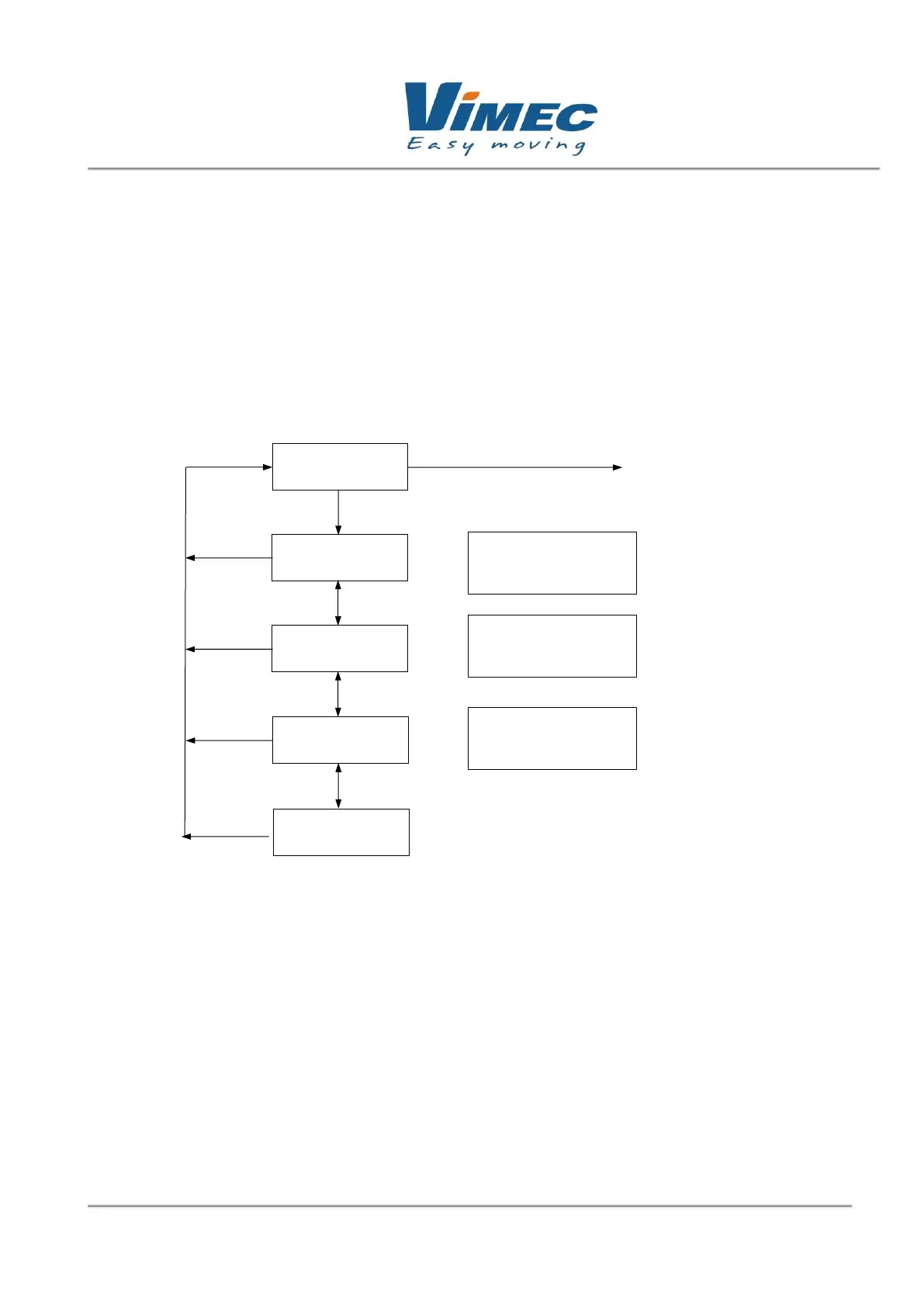
In the "alarms" submenu you can record up to 20 alarms, thus creating a log of any malfunctions. In
addition to the type of error associated with a number, you can store the hour and the minute when
the alarm occurred. To reset the number of alarms, go to of Err. Press enter, edit appears, bring
to zero, press esc, and it automatically resets and the stored alarms from 1 to 20 also reset
Figure 9: "ALARMS" submenu block diagram.

Up
Down
No. Er. [ x ]
xx : xx
Up
Down
Esc
x : errors [ x ]
xx : xx
Esc
Esc
Main
menu
Current er.:
[0]
Up
Down
Esc
Select mode :
Alarms
No. of errors occurred
x : errors [ x ]
xx : xx
Up
Down
Esc
x = sequential
x] = error
[
xx: xx =
Error that took place
at that moment

Related product manuals